
Yearbook Photo Checklist: What to Capture All Year
A month-by-month yearbook photo checklist for advisers and PTA committees: which events to cover, the everyday moments that get missed, and how to make sure every student appears.
A good yearbook photo checklist covers three things: the big events of the year, the everyday moments that happen every school day, and every student in every grade. Plan it by season. In the fall, capture the first day, picture day, homecoming or the fall festival, and the first games. In the winter, capture concerts, spirit weeks, and indoor sports. In the spring, capture field trips, the science fair, the play, and spring sports. At the end of the year, capture field day, awards, and graduation. Then check each grade and class against what you have, and ask for photos of the ones that are missing.
The usual problem isn't too few photos. It's the wrong mix: a folder full of homecoming and nothing from the second grade, or the same ten students in every candid. A checklist written in August, and checked every month, keeps the gaps small enough to fix before the deadline.
Why Yearbooks End Up With Gaps
Photos come from whoever has a camera at a given event, and that's usually the same few parents. Their own children show up again and again. Big events get covered from every angle, and ordinary days get skipped because nothing about them feels worth a photo. By spring, the committee finds out which classes nobody photographed, and by then the fall is over.
The fix is to decide what you need before the year starts, then track what you have as photos arrive.
The Month-by-Month Checklist
Fall (August to November)
First day of school: arrival, classrooms, teachers greeting students
Picture day and class photos
Back-to-school night and open house
Homecoming, the fall festival, or a harvest event
Fall sports: practices as well as games
Clubs and activities as they start up for the year
Halloween or costume days, if your school holds them
Winter (December to February)
Winter concerts and holiday programs
Spirit weeks and theme days
Indoor sports, such as basketball and wrestling
Classroom projects and the 100th day of school
Book fairs and reading events
Snow days and indoor recess
Spring (March to May)
Field trips
Science fair, art show, and other student showcases
The school play or musical
Spring sports
Teacher appreciation week
Clubs finishing their year: competitions, performances, and final meetings
End of the Year (May and June)
Field day
Awards and recognition ceremonies
Class parties and the last day of school
Graduation, promotion, or moving-up ceremonies
Staff and teacher photos, if any are still missing
Adjust the list to your school's calendar. A school with no football team doesn't need a football page, and a school with a strong music program may need three concert pages.
Don't Skip the Everyday Moments
Events are easy to remember. The everyday parts of school are just as much a part of the year, and they're the ones that get missed. Add these to your checklist and capture each one at least once in the fall and once in the spring:
Arrival and dismissal: the car line and the buses
Lunch and recess
The library and reading corners
Hallways between classes
Classrooms at work: group projects, experiments, and the board
Specials: art, music, and gym
Front office staff, custodians, cafeteria staff, and crossing guards
Make Sure Every Student Appears
Coverage is the part families notice. A parent will look for their child on every page, and a missing face is hard to explain once the book is printed.
1. Track by grade and class. List every grade and every teacher's class. As photos come in, note which classes they show.
2. Check monthly. Once a month, look for the classes with few or no photos. Those are your requests for the next month.
3. Ask for the missing ones. Send a specific request to that class's parents and teacher: "We need photos from Ms. Lopez's third grade class by Friday: group work, centers, recess, anything from this month. Add a line saying what's happening and who's in it."
4. Watch for repeat faces. If one student is in 30 candids and a classmate is in none, aim the next requests at the ones who are missing.
How to Ask Parents for Photos
Parents see moments the committee never does, but they need a reason and an easy way to send photos in.
Use one place for everything. One upload link or QR code all year, not a different email address for each event.
Ask for something specific. "Send photos from the fall festival by Friday" gets more photos than "send us any photos you have."
Set deadlines by season. A deadline at the end of each season keeps photos coming in and keeps the end of the year from piling up.
Ask for a short caption. The event, the class, and the names of the students, so the committee isn't guessing.
Follow your school's photo rules. Check permissions before you publish anything, and leave out students whose families have opted out. Our yearbook photo consent checklist covers what to ask.
For the full process of collecting from parents, see our guide on how to collect yearbook photos from parents.
How EventPix.photo Handles This
A School Yearbook Collection from EventPix.photo comes with folders that match this checklist: By Grade (you choose the grades your school has), Academics, Athletics, Arts (Music, Theater, and Visual Art), Clubs & Activities, School Events (Spirit Days, Field Trips, and Assemblies), Portraits (Students and Staff), and Graduation. You can add your own folders for anything else on your list.
Parents and staff upload from their phones through one link, or by scanning its QR code on a printed sign, with no app and no account. Each photo can carry the school year, the class or teacher, a description, and the people in it. That makes your monthly check simple: open a grade folder, see which classes are thin, and make those classes your next requests.
Your committee joins as curators to approve each photo and sort it into folders. Nothing appears in a gallery or slideshow until someone on the committee approves it, and public sharing is off by default for yearbook Collections, so student photos stay private unless your school decides otherwise.
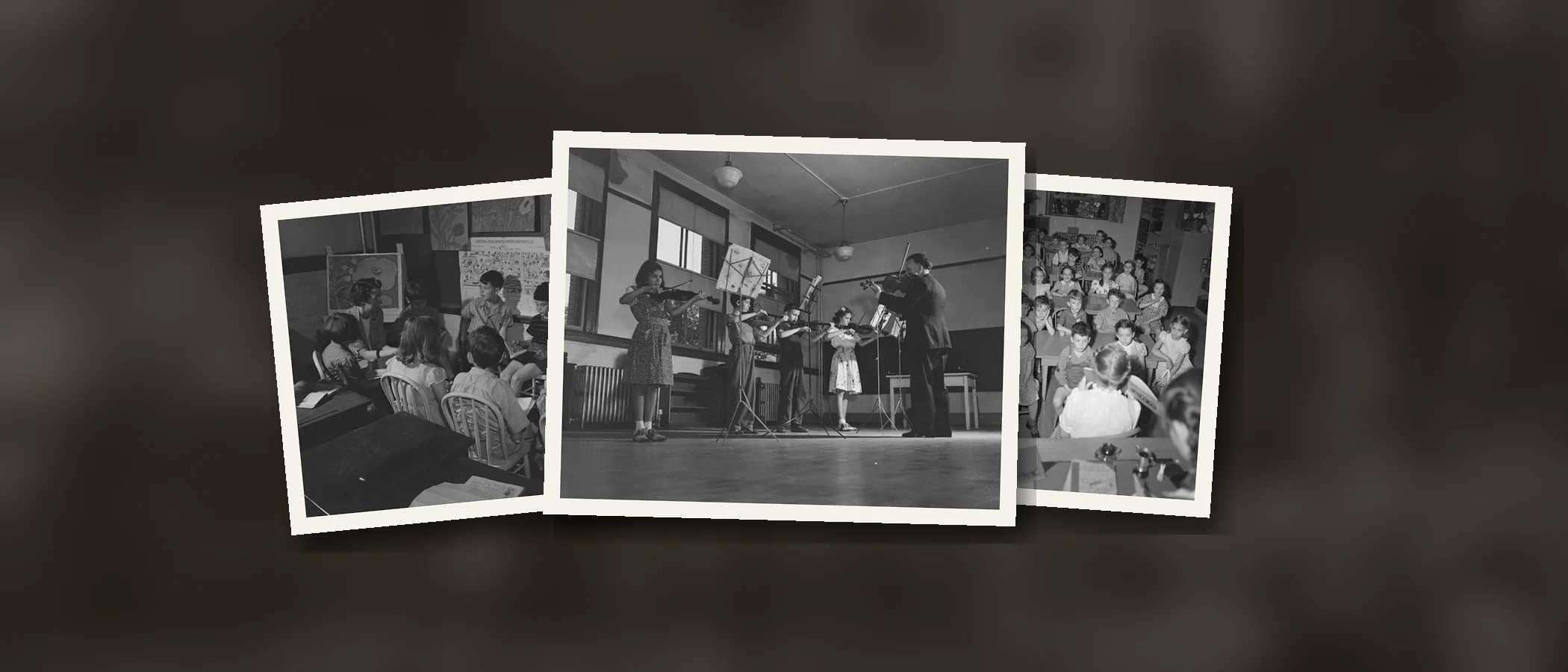
Here's the public gallery of our sample school Collection, made from Library of Congress photos of Elmer Avenue Elementary School in 1943, with its photos sorted into sections like Arrival & Dismissal, Academics, Lunch & Recess, and Clubs & Activities. A real yearbook Collection keeps its gallery private unless your school turns sharing on.
When the deadline comes, the owner and admins can download everything as a ZIP of the original files, sorted into folders, with a spreadsheet of every photo's details for your yearbook designer.
A Collection runs for 12 months and costs $229 a year, or $179 for verified nonprofits and schools, with 100 GB of storage. To see how one looks, browse our sample school Collection.
Frequently Asked Questions
When should we start the yearbook photo checklist?
Before the first day of school. The first day and picture day come early, and they're hard to make up later. Write the checklist in August and share the upload link with parents at back-to-school night.
How many photos does a yearbook need?
It depends on your page count and layout. Plan from the pages, not a total: list each page, decide how many photos it holds, and count how many you have for it. Expect to collect more than you use. The real test is whether every page and every class has enough good choices.
What if a class has no photos by spring?
Ask that teacher directly. Teachers may have classroom photos on their phones that never got sent. If they don't, schedule a short visit to photograph the class at work before the year ends.
Should we use only posed photos?
No. Mix posed group and portrait photos with candids of students working, playing, and performing. Candids show what the year was like, and posed class photos make sure nobody is left out.