
Yearbook Photo Consent: A Checklist for Parent-Submitted Photos
A 10-step checklist for yearbook teams collecting photos from parents, with request wording you can copy into your first message.
To handle consent for yearbook photos that parents send in, start with your school's photo opt-out list before you collect anything. Keep every submission private to your yearbook team until someone has checked each face against that list, hold back any photo you can't clear, and publish only what you've reviewed. Then remove a photo quickly if a family asks.
A school photographer works from a roster. Parent photos don't. A dad's photo from the class trip has his own child in it, and 15 other students whose families he has never asked. That's why a photo drive needs a consent routine. Here is a checklist your team can run all year.
This isn't legal advice. Your district's policy is the rulebook, and your principal or district office can tell you what it requires.
Before You Collect
1. Get the opt-out list from the school office
Ask the office for the list of students whose families have said no to photos in school publications. Depending on your district, that list may come from a media release form, a photo permission form, or the annual directory information notice.
Under FERPA, the federal student privacy law, a school can treat student photos as directory information, and families can opt out of it. The Department of Education's model notice names the yearbook as an example of a publication that uses directory information. So a family that opted out of directory information may also have opted out of the yearbook. Not every district works that way, though. Some use a separate media or yearbook permission form instead, and some treat print and online differently. The office knows which list applies at your school.
2. Ask for updates during the year
Families enroll, withdraw, and change their minds. Ask the office to tell you about changes, or check in with them each grading period. A list from August is out of date by spring.
3. Keep the list to the people who place photos
Students end up on an opt-out list for private reasons, sometimes custody arrangements or safety concerns. Share the list only with the advisers and editors who decide which photos run. Contributors don't need to see it.
When You Ask for Photos
4. Tell contributors what you're looking for
Your request to parents should say which events you want (games, field trips, concerts, class parties) and what not to send:
Photos from restrooms, locker rooms, or nurse's offices.
Students who are hurt, upset, or in trouble.
Photos taken at a student's home or a private party, unless that family sent them.
The same rules apply to videos.
5. Say that sending a photo doesn't mean it will be printed
One line covers it: "The yearbook team reviews every photo, and we can't print them all." That sets expectations, and it gives you room to leave out a photo without explaining why. Our guide to collecting yearbook photos from parents all year covers the rest of the request, from the first message to reminders.
Here is wording you can adapt for your first message:
We're collecting photos for this year's yearbook. Please send photos from school events like games, field trips, concerts, and class parties. Please don't send photos from restrooms or locker rooms, or photos of students who are hurt or upset.
The yearbook team reviews every photo, and we can't use them all. If you can, tell us who's in each photo.
By sending a photo, you confirm that you took it or have the right to share it, and you give the yearbook team permission to use it in the yearbook and other school publications.
6. Make it clear who is asking
Send the request through an official school or PTA channel and name the yearbook team. Parents are right to be wary of a link from someone they don't know, and an official sender is how they can tell this request is real.
While You Review
7. Keep the working photos private
Everything that comes in should stay private to the yearbook team until it has been reviewed. A shared drive or group chat gives everyone with the link access to every photo, including the ones you'll never use.
8. Check every face against the list
Review each photo before it goes anywhere. Work from the names on the list, and use the names contributors sent with their photos as a starting point, not as proof. Look past the main subject to the background, where a student on the opt-out list is easy to miss. For large group shots, have a second person check, or set the photo aside until someone who knows the students can confirm. If a photo includes someone you can't clear, don't use it. Cropping is fine if it fully removes the student.
9. Set aside photos you can't clear yet
Give uncertain photos one place to wait, such as a folder or tag named "Hold", so nobody places them in a spread by mistake. Clear them, or remove them, before your deadline.
After the Book Ships
10. Act on removal requests the same day
If a family asks you to take down a photo, remove it from any online gallery right away and pull it from pages that haven't gone to print. Know ahead of time who on your team is allowed to delete photos, so the request doesn't wait for a meeting. When the year ends, take away access for volunteers who are moving on. Then decide what happens to the photos you collected: what to keep for next year's team, what to download for the school's records, and what to delete. Start with any photos you couldn't clear.
A Printed Book and an Online Gallery Are Different
Many schools allow a photo in the printed yearbook but not online, where anyone can save or share it. If you plan to post photos online, check whether your district treats that differently, and publish only the photos you've reviewed. Keeping everything else private to your team is the safest default.
How a School Yearbook Collection Handles This
A School Yearbook Collection from EventPix.photo is built for this kind of year-long photo drive. Parents, students, and teachers add photos with one link or QR code, without an app or an account. Every upload goes to your team's Inbox and stays private until a curator on your team approves it. Nothing a contributor sends appears in a gallery or slideshow until then.
Public sharing is off by default for School Yearbook Collections, because they include minors. When you do share a gallery, you choose which folders are in it.
Curators approve or reject each photo, edit captions and tags, and move photos into folders, including one you create for photos you can't clear yet. Curators can be teachers and parent volunteers as well as your yearbook staff.
Curators can move a photo to the trash, but only the owner or an admin can delete it permanently, so a photo removed by mistake can be restored.
Removing someone from your team ends their access to the Collection.
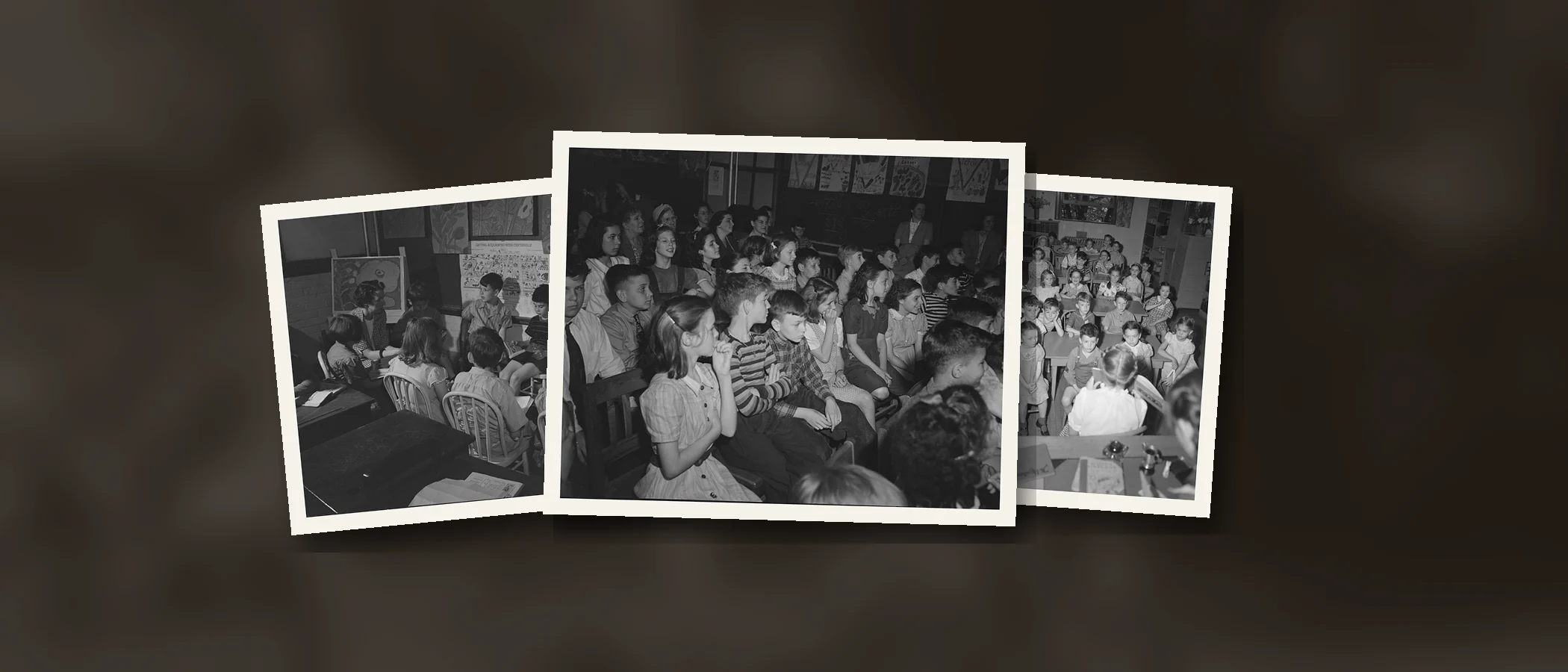
A Collection is $229 a year, or $179 for verified schools and nonprofits. To see how one looks, browse the Elmer Avenue sample: 61 photographs from 1942 and 1943, mostly from an elementary school in Schenectady, New York, sorted into sections the way a yearbook team would sort them.
Frequently Asked Questions
Do we need permission from the parent who took the photo?
Yes. The parent who took a photo usually owns it, so ask for permission when you ask for photos. Include a permission line like the one in the sample request above in your first message, so everyone who sends a photo has agreed to it. If your district has its own release wording, use that instead.
What about students from other schools, like a visiting team?
You won't have their families' consent, so keep visiting students to the edges of the frame, or leave those photos out.
What if a student on the opt-out list is in a group photo?
Leave the photo out, or crop it so the student is fully removed. Blurring a face often still leaves the student recognizable to classmates.
Does the opt-out list cover the senior portraits and class photos?
Ask your office. Some schools handle portrait-day photos under a separate policy from candid photos.