
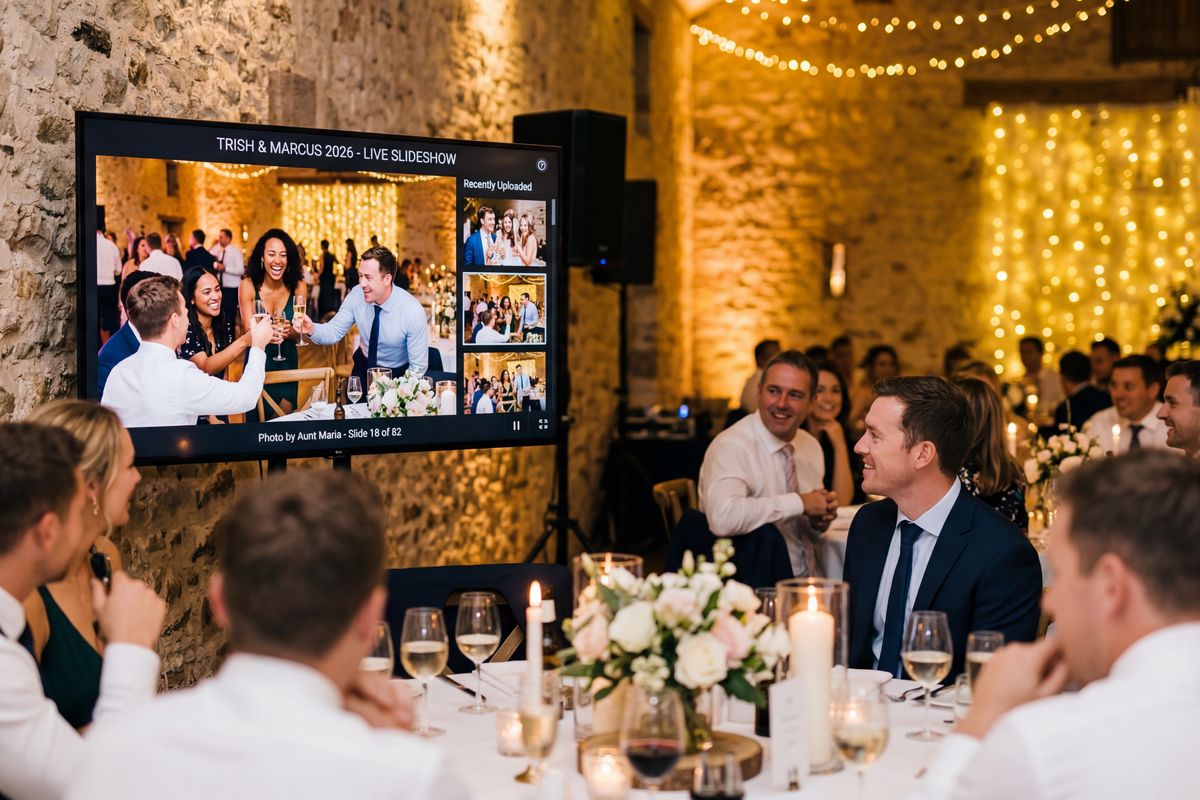
Live slideshow on the big screen
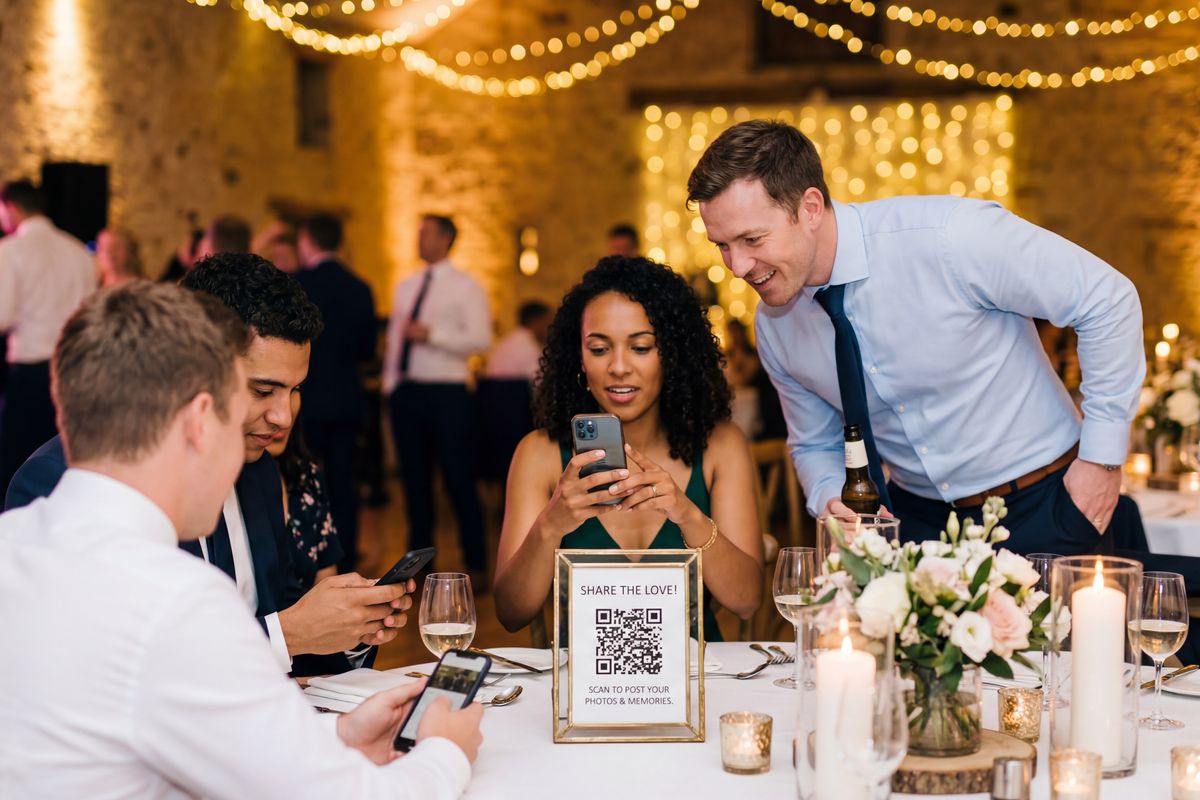
QR codes on every table
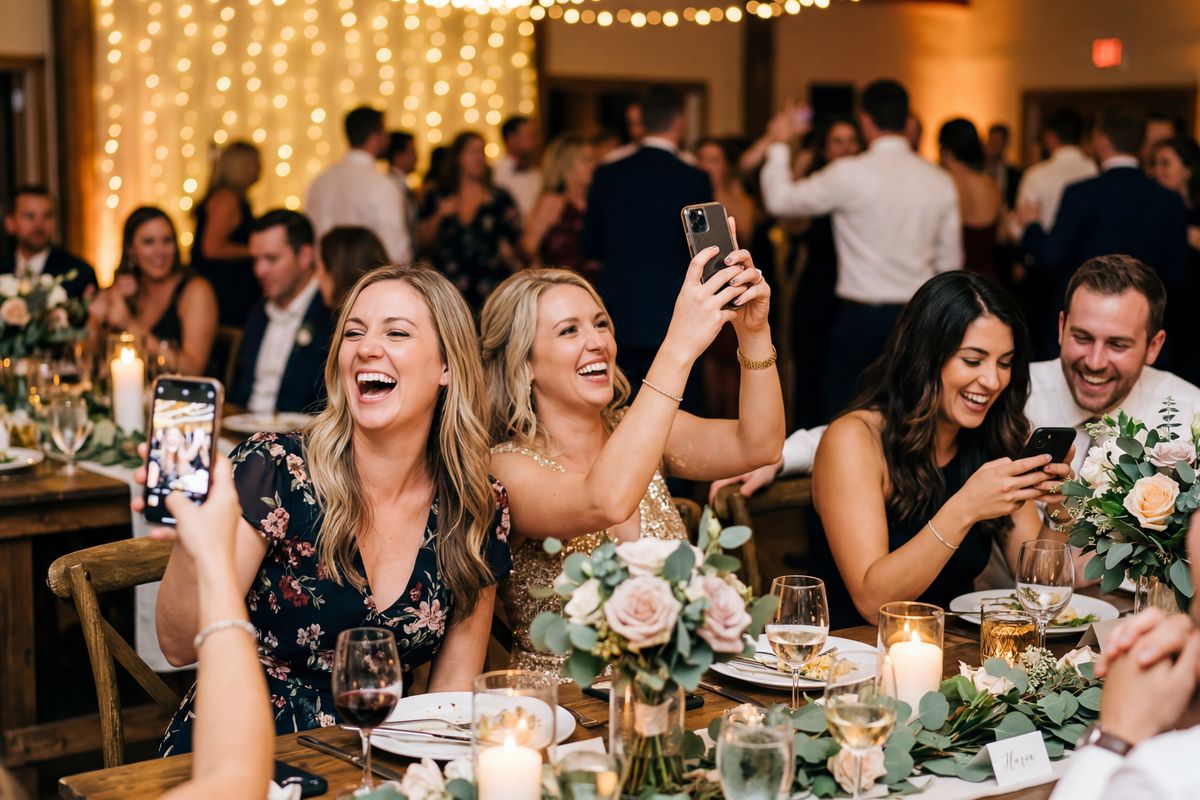
Guests upload from their phone
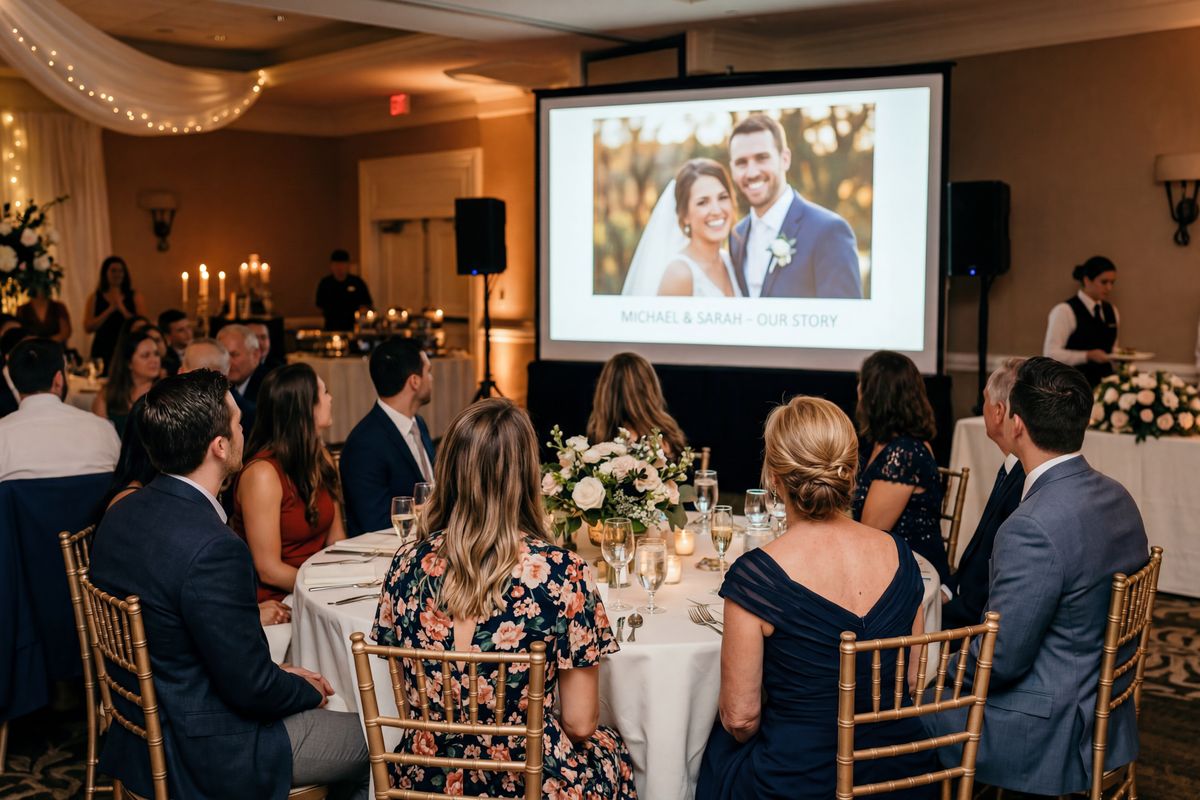
Candid moments you never saw
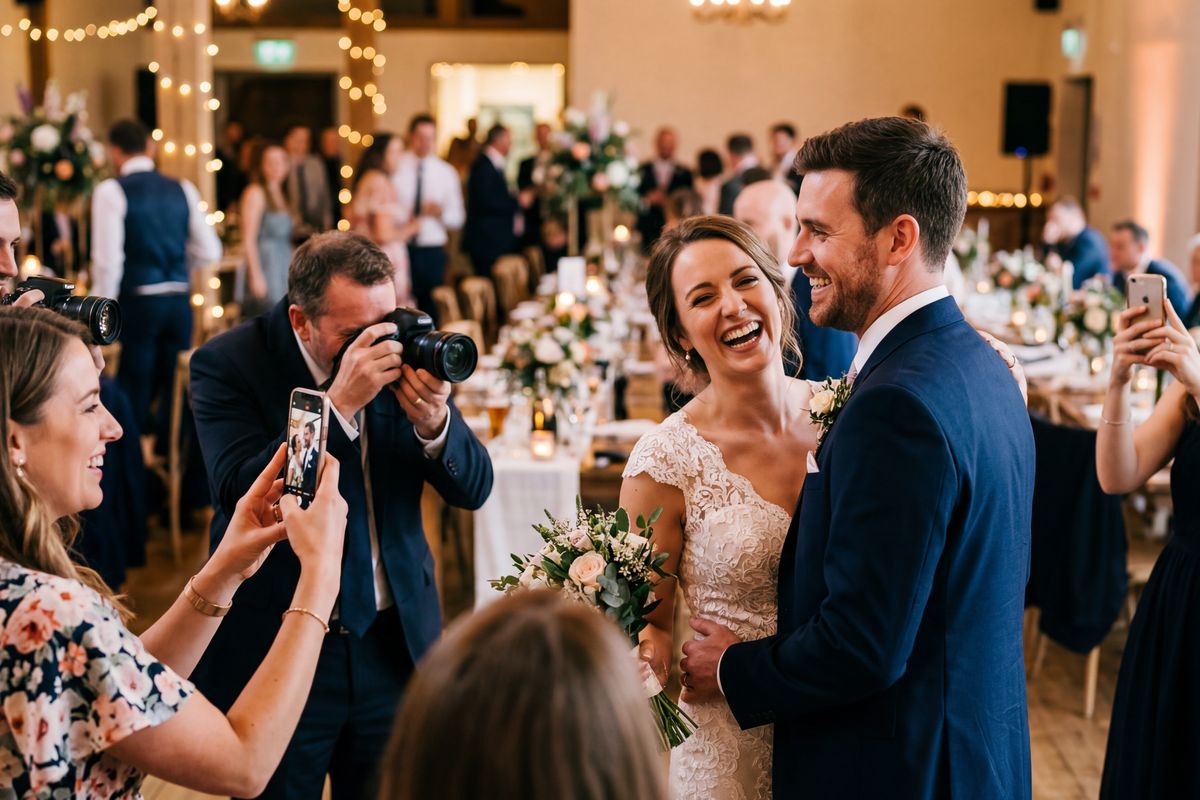
Every angle. Every moment.
Used at weddings, parties, and events from Florida to Hawaii
Wedding Photo Sharing: Every Guest Has Photos You’ve Never Seen
Your guests are already taking photos at your wedding. EventPix.photo gets every one of them, on your screen, in your hands, without asking anyone to download an app. Set up in 2 minutes.
What Happens at Your Wedding
A QR code sits on every table. Guests scan it from their phone — no app, no account, no awkward “what’s the password?” moment.
Photos start flowing in. The ceremony from the back row. The flower girl mid-twirl. Your grandma tearing up. Moments you didn’t even know happened.
The slideshow plays on the big screen during the reception. Guests see their photos appear live. Emoji reactions float across the screen. Someone sends a text comment that scrolls by: “Best wedding ever.”
After the wedding, your gallery is ready to share. One link — that’s it. Family, friends, the bridal party — everyone can browse, relive the day, and save their favorites.
No chasing photos in group chats. No scrolling through endless threads. No “can you send me that pic?” texts. Everything is already organized and ready to share.
Set Up in 2 Minutes
Create your wedding album, customize the QR sign, and you’re ready.
Guests Scan & Upload
QR signs at every table. Guests scan from their phone — no app, no account.
Slideshow Plays Live
Photos appear on the big screen in real time. Emoji reactions and comments scroll across.
“We collected 136 photos at my future daughter-in-law’s bridal shower. The Photo Bingo game kept a few die-hards engaged the entire time — guests I figured would tap out after gift-opening were still playing at the end.”
— Kay J., mother of the groom · May 2026
“Over 40 people uploaded photos and when the slideshow played there wasn’t a dry eye in the room. Best $39 I ever spent.”
— Wedding reception host
Choose Your Wedding Plan
Tell us about your wedding and we'll recommend the right plan.
Plus
Weddings & big parties — video, themes, more albums
- 3 albums
- 2,000 photos
- Video uploads (100 MB)
- Disposable camera mode
- Themes & cinematic effects
- 3-month upload window
- 12-month hosting & downloads
Frequently Asked Questions
Do wedding guests need an app?
Can we moderate photos before they show?
Can we run the slideshow during the reception?
How do we display the QR code?
How long can guests upload after the wedding?
Can we use this at the rehearsal dinner too?
What if we have 200+ guests?
Don’t Miss the Moments You Didn’t See
Your guests are already taking photos. Make sure you get them.
Create Your Wedding AlbumNeed more than photo sharing?
VowSpace gives you a full wedding website, RSVP manager, guest list, and includes EventPix.photo for live photo sharing — all in one place.
Explore VowSpace