
Collect Photos From Your Guests in One Shared Gallery
Guests scan a QR code and upload photos instantly. No app required.
Worried your least tech-savvy guest won’t manage it? See the live demo →
No subscription. Pay once per event.
Set up in under a minute. Practice in a sandbox album before your event.
Plans start at $19 — one-time payment
Basic $19 | Plus $39 | Pro $89
How it works
- Step 1
Create Your Event
Set up your event and album in under a minute.
- Step 2
Share QR Code
Print table tents or share the link directly.
- Step 3
Guests Upload
Guests scan, enter their name, and share photos instantly.
- Step 4
Display & Download
Show a live slideshow and download every photo later.
What it looks like at your event
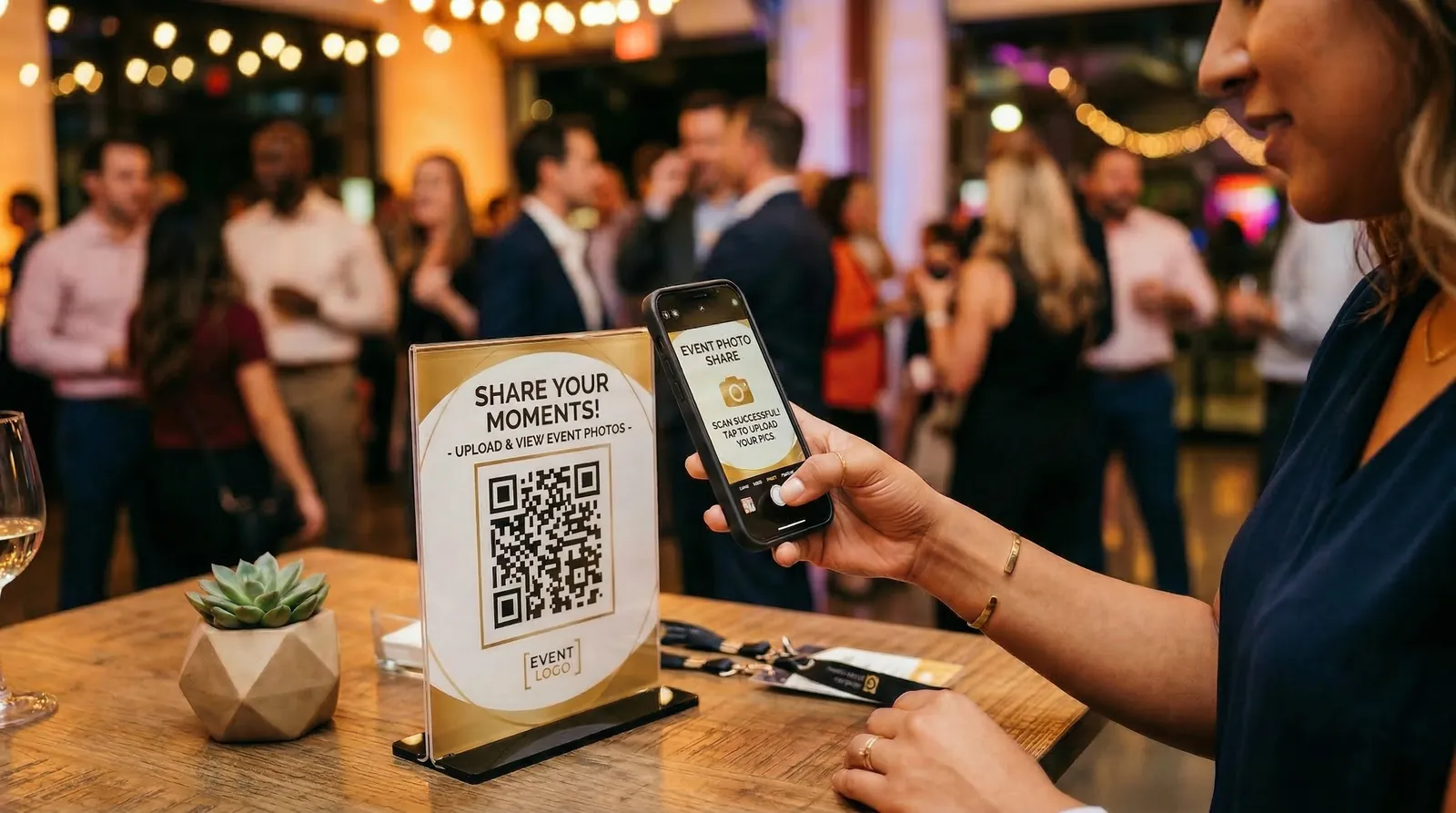
Guests scan, upload, done.
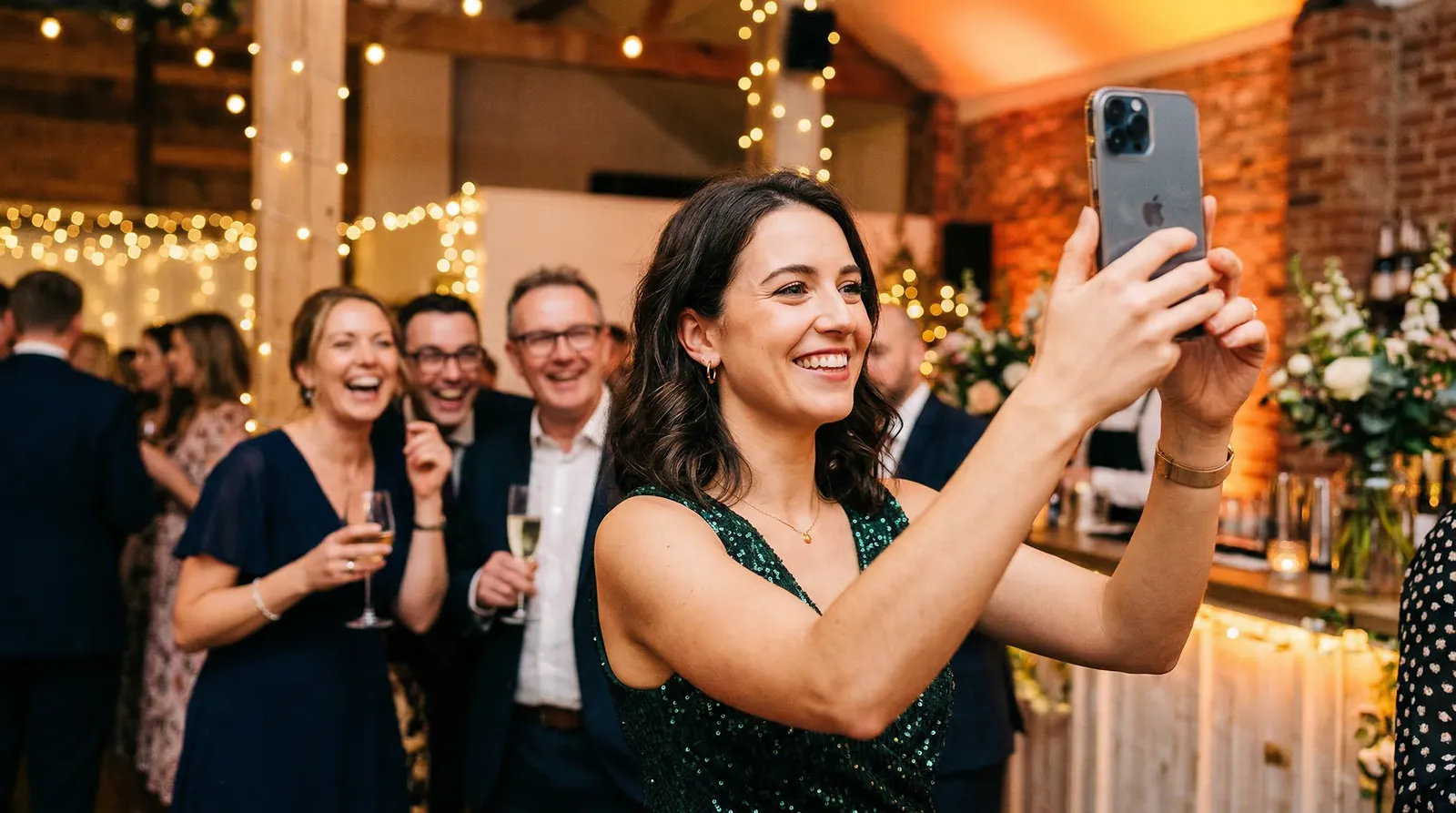
Photos roll in from every angle.

Live on your slideshow as they upload.
“We collected 136 photos at my future daughter-in-law’s bridal shower. The Photo Bingo game kept a few die-hards engaged the entire time — guests I figured would tap out after gift-opening were still playing at the end.”
During your event
Turn guest photos into a live experience
Display photos on a TV or projector as they’re uploaded. Guests see their own shots on the screen — and that’s when uploads actually start happening. The room turns into a shared moment instead of a hundred separate phone screens.
Want to make it interactive? Turn on Photo Bingo — guests work through a card of moments to capture (the bouquet toss, a candid laugh, the dance floor) and the slideshow celebrates each square as it fills.
After your event
Relive everything — not just what you captured
- Instantly shareable. Send one link to everyone.
- Private by default. Only people with the link can view.
- All in one place. No more chasing photos in group chats.
Setup takes under a minute.
Built for any kind of event
Same setup, same QR code experience — whether you’re hosting twenty people or two hundred.
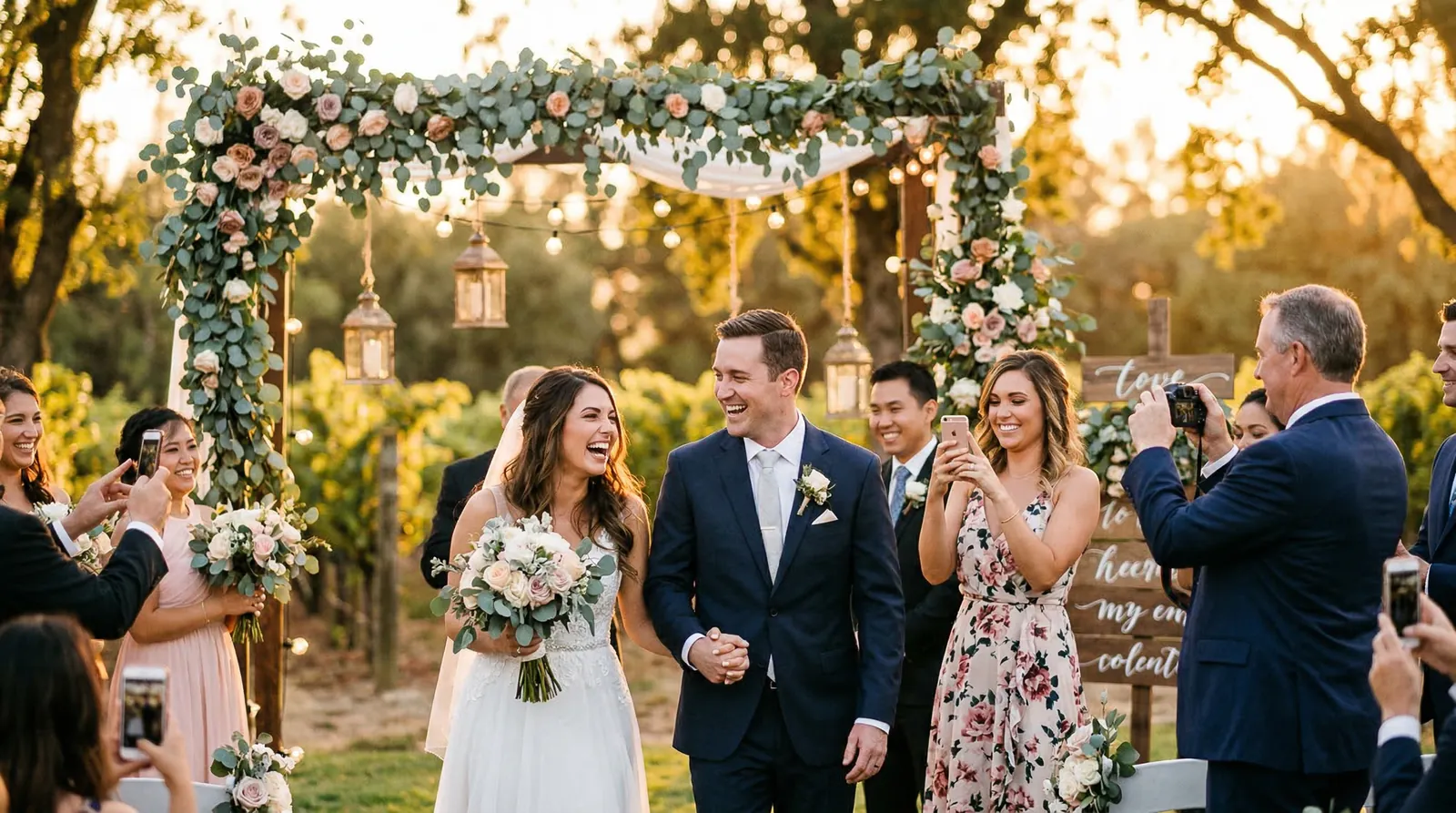
Weddings

Birthdays
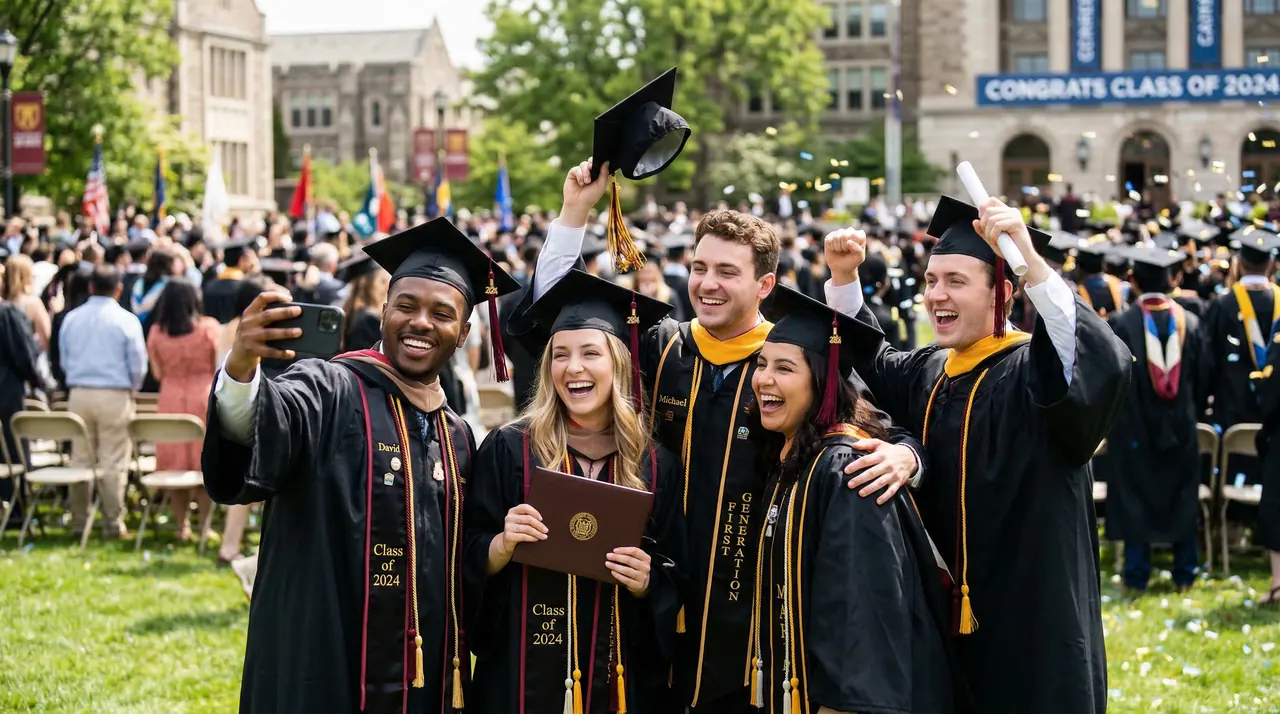
Graduations

Baby showers

Corporate

Fundraisers
Why not just use a shared album?
Shared albums and group chats work — until they don’t. Here’s where they fall short.
Pay once. No subscription.
Pick a plan based on the size of your event. You can upgrade anytime.
Basic
Small gatherings — the essentials
$19one-time
- ✓1 album
- ✓500 photos
- ✓QR code upload
- ✓Live slideshow
- ✓Photo moderation
Most popular
Plus
Weddings & big parties — video, themes, more albums
$39one-time
- ✓3 albums
- ✓2,000 photos
- ✓Video uploads (100 MB)
- ✓Disposable camera mode
- ✓Themes & cinematic effects
Pro
Full creative control — custom branding, bigger limits
$89one-time
- ✓5 albums
- ✓5,000 photos
- ✓Video uploads (500 MB)
- ✓Custom colors & hide branding
- ✓All themes & effects
14-day money-back guarantee — plus a sandbox album to practice before your event.
Premium ($109) and Festivals & Live Events plans available on the full pricing page.
Common questions
Do my guests need an app or an account?▾
No. Guests scan the QR code and upload straight from their phone browser — iPhone or Android. No app, no account, no login.
Is it really a one-time payment?▾
Yes. Pick a plan for your event and pay once. No subscription, no auto-renewal.
What if I’m not sure it’ll work for my event?▾
Every plan includes a sandbox album, so you can practice the whole flow — upload, gallery, live slideshow — before your event. And there’s a 14-day money-back guarantee.
Who can see the photos?▾
Only people with your link. You moderate every upload, so you approve what shows up before it goes live.
What if I have more guests or photos than my plan covers?▾
You can upgrade anytime. Plans range from 500 photos up to 10,000.
Related reading: How the methods compare, step by step →
Make sure you get every photo.
Your guests are already taking them. Give them a way to share without making it a chore.
Create Your EventPay once per event. No subscription. Practice in a sandbox album first — 14-day money-back guarantee.