
How to Collect Yearbook Photos From Parents All Year
Give parents one upload link in September, ask for a caption on each photo, and sort as photos arrive. Here's how to set it up and keep student photos private.
The simplest way to collect yearbook photos from parents is to give them one upload link at the start of the school year, ask for a short caption with every photo, and sort what comes in by class and event as it arrives. That turns the deadline scramble into a few minutes of sorting each week.
Here's how to set that up, what to ask parents for, and how to keep student photos private while you work.
Why Yearbook Photos Go Missing
The moments that fill a yearbook happen all year: the fall field trip, the winter concert, the spring game. Many of them are photographed by parents, not the yearbook staff. By the time the committee asks for photos in February, many of those pictures are buried in camera rolls, posted to a group chat, or deleted to make room on a phone.
Asking once, near the deadline, also gets you photos without context. A committee member ends up guessing which homeroom a photo shows and who is in it.
Step 1: Set Up One Place for Every Photo
Pick one place for photos before the first event of the year. Email attachments, group texts, and a shared drive folder work for a handful of photos, but they break down at a few hundred: texted photos arrive compressed, names get lost, and nobody can tell what has already been sorted.
Whatever you use, set up folders that match how the book is laid out: grades or homerooms, sports, clubs, and events. Photos that land in the right section save the most time later.
Step 2: Make Uploading Take Less Than a Minute
Parents add photos when it's quick. That means:
One link they can bookmark, not a new login every time.
No app to download.
A QR code on flyers, newsletters, and the sign-in table at events, so parents can scan it on the spot.
A short reminder after each big event.
Here's a reminder you can paste into a newsletter or class group chat:
Thanks for coming out to Friday's game. If you took photos or videos, please add them for the yearbook here: [your link]. A quick note with the class or team, and who's in the photo, helps the yearbook team a lot.
Step 3: Ask for a Caption With Every Photo
A photo is much more useful to the committee when it arrives with three details:
When: the date or the name of the event.
Where: the class, team, or club.
Who: first names, if the parent knows them and is comfortable sharing.
Even a short caption like “Ms. Lee's 3rd grade, pumpkin patch, October” saves someone from guessing later.
Step 4: Sort and Approve as Photos Arrive
Ask two or three volunteers to sort for 10 minutes a week. They move new photos into the right folders, skip duplicates and blurry shots, and mark the strongest ones for layout. Spread across the year, it's a small job. Left until spring, it can take a weekend.
Step 5: Keep Student Photos Private
Yearbook photos are mostly pictures of children, so keep the full set of photos private. Share the upload link widely, but limit who can browse everything to the yearbook team. Before anything is published or shared outside the team, check your school or district's photo consent policy and the list of families who have opted out.
How EventPix.photo Handles This
EventPix.photo has a School Yearbook Collection built for this job. You share one link, or its QR code, and parents, students, teachers, and coaches add photos and videos from any phone or computer, with no app and no account. Each one can carry the date, the names, and a short description, so the concert video and the field trip photos arrive already labeled.
The Collection starts with folders for grades, homerooms, sports, clubs, and events. Teachers and parent volunteers can be invited as curators to sort, tag, and approve alongside the committee. Nothing a parent uploads appears in a gallery or slideshow until someone on your team approves it. Student photos stay private to your team by default, and you publish only the folders you choose. When it's time to build the book, you download everything with a spreadsheet of every caption and detail.
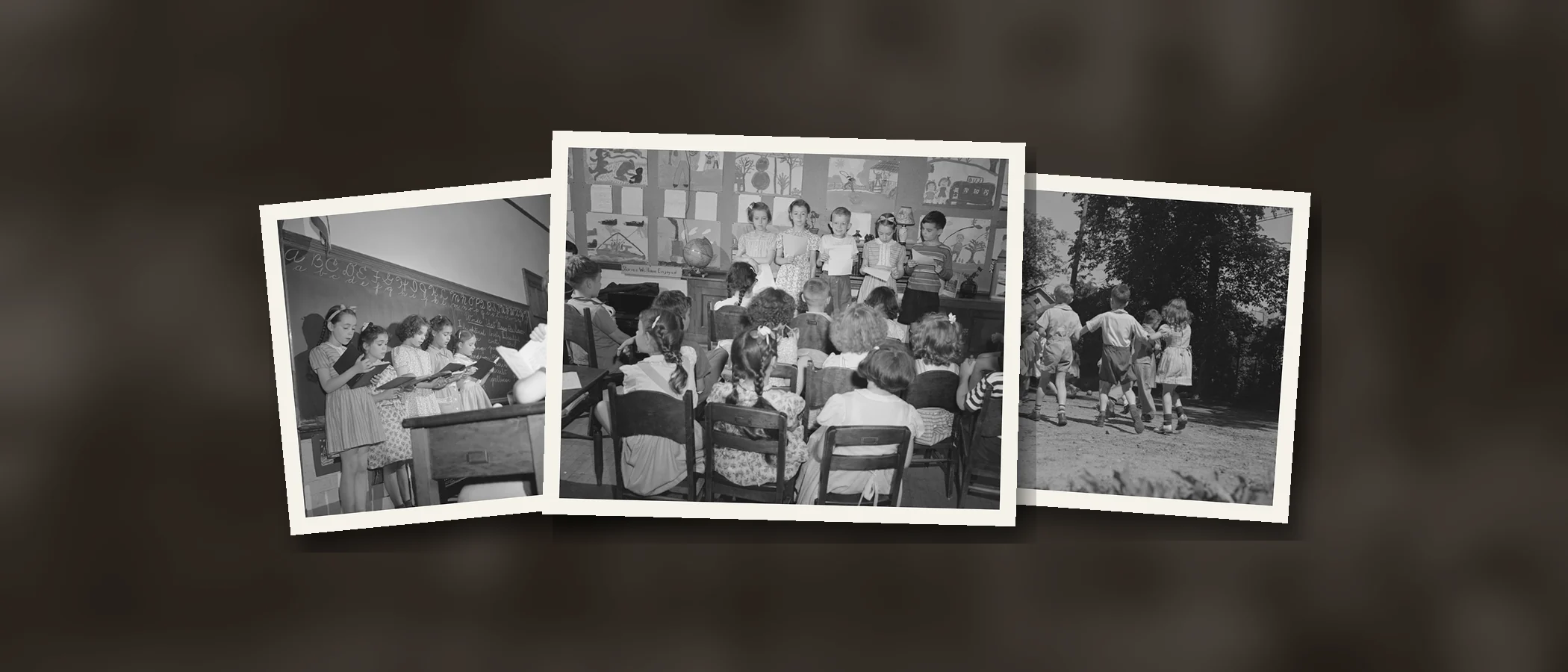
A Collection runs for 12 months, so one set up in September covers the whole school year. It costs $229 a year, or $179 a year for verified nonprofits and schools. To see how it looks, browse a sample School Yearbook Collection built from photographs taken in 1942 and 1943, most of them at an elementary school.
Frequently Asked Questions
When should we start collecting yearbook photos?
At the start of the school year, before the first field trip or game. Share the link in the first newsletter and at back-to-school night, then remind parents after each big event.
Do parents need an account to upload photos?
Not with EventPix.photo. Parents use the upload link from any phone or computer. Only the people who organize the photos sign in.
Can we download everything for the yearbook designer?
Yes. The Collection's owner and admins can download the whole Collection as a ZIP of the original photos and videos, with a spreadsheet of every caption and detail, to hand to whoever lays out the book.
What if a parent texts photos instead?
Texting often shrinks photos, and a shrunken photo can look soft in print. Here's how much texting compresses photos. Ask parents to use the upload link instead, so the committee gets the original files.