
Wedding QR Code for Guest Photos & Pictures
Guests scan your QR code and upload their wedding photos and pictures instantly from their phone browser. No app required.
Worried your least tech-savvy guest won’t manage it? See the live demo →
Plans start at $19 — one-time payment. No subscription.
How it works
- 1
Create your wedding gallery
Set up your event and shared gallery in under a minute.
- 2
Share your QR code with guests
Add it to invitations, signs, and table cards, or share the link.
- 3
Guests upload photos instantly
Guests scan, enter their name, and upload from their phone browser.
What it looks like at your wedding
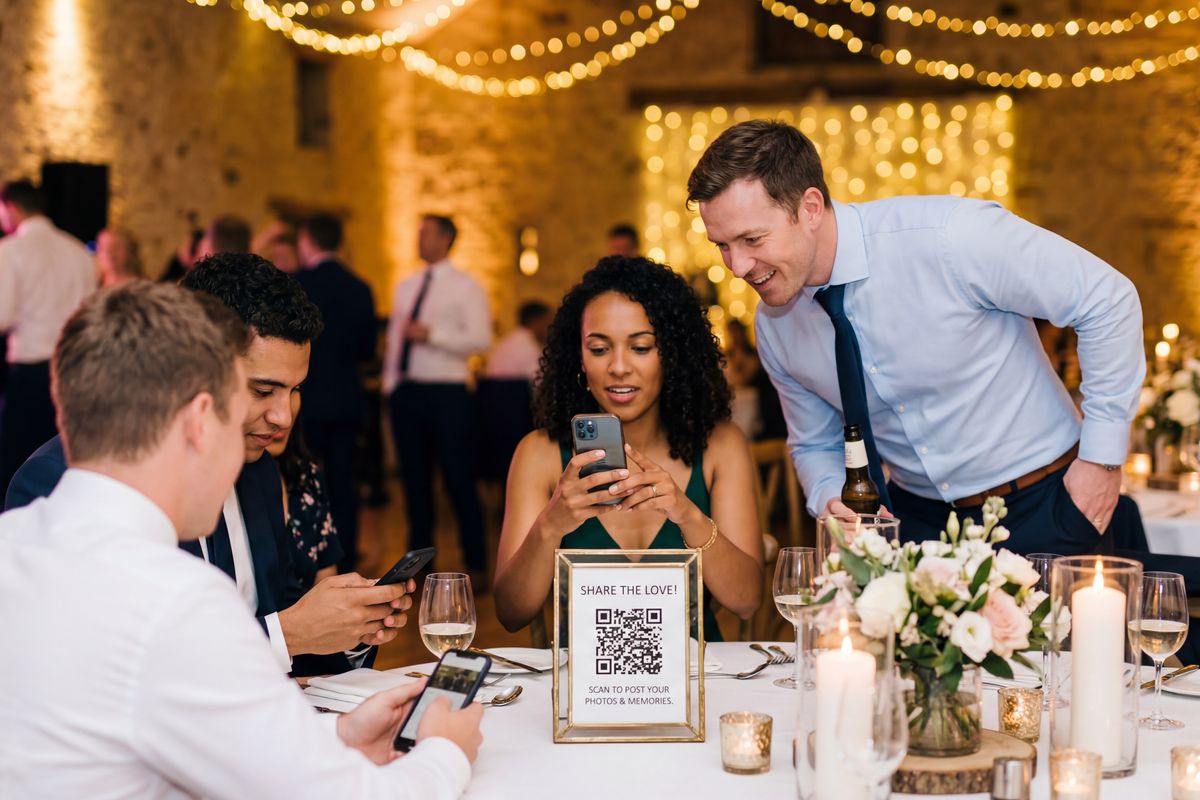
QR codes on every table
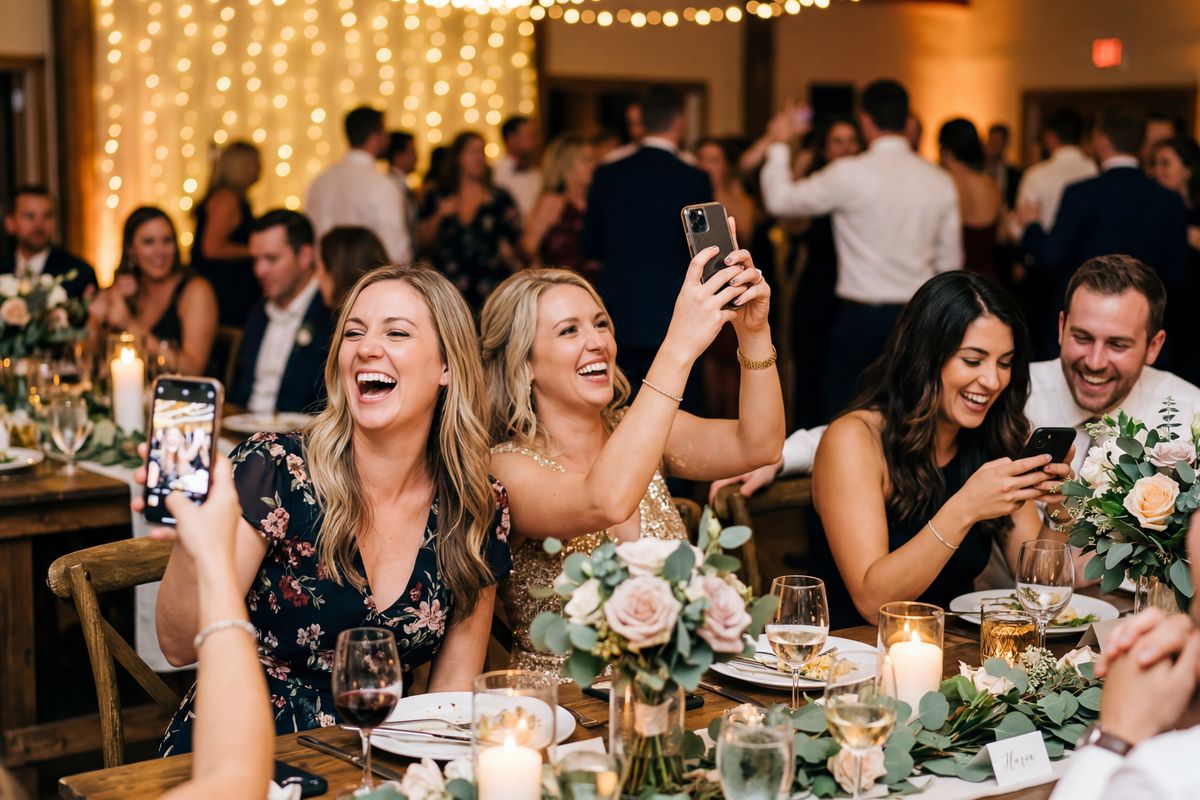
Guests upload from their phone

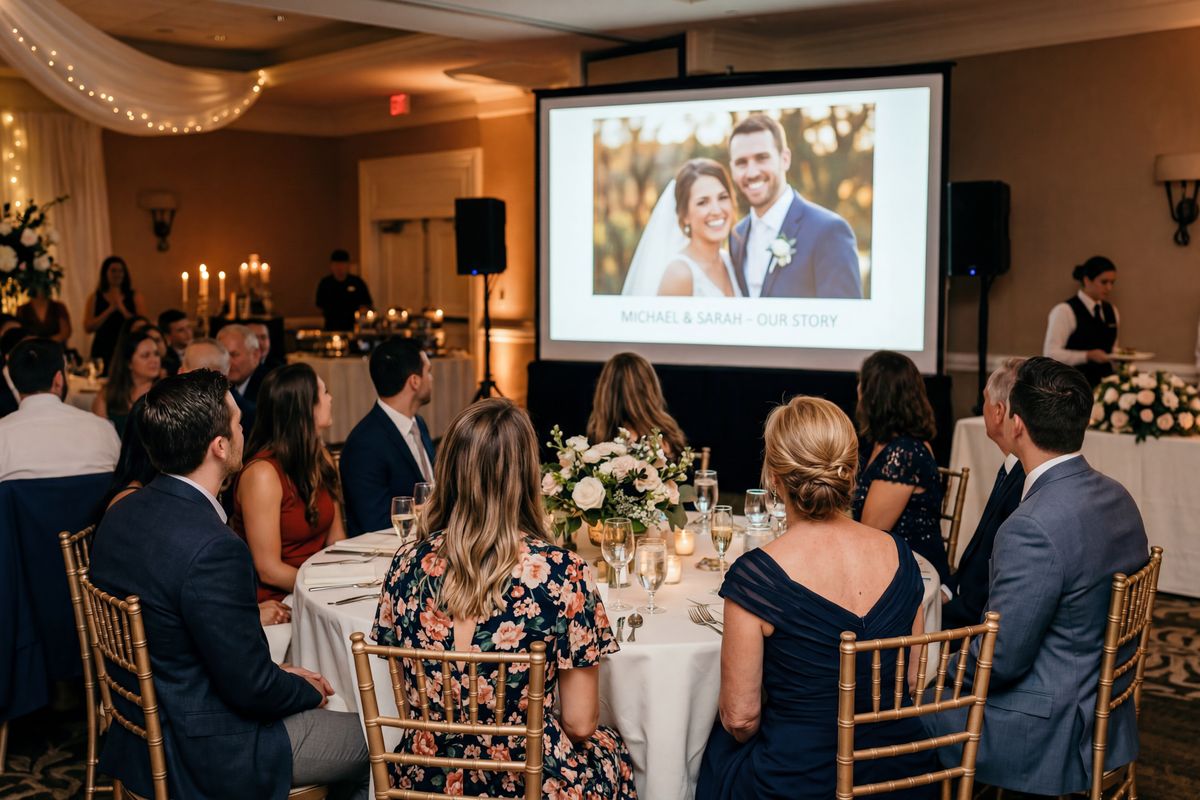
Live on the big screen
Why couples use EventPix.photo
No app required
Guests upload from any phone browser — iPhone or Android. Nothing to install.
Full-resolution photos
You download clean, original-quality files. The host always gets the originals.
Shared wedding gallery
Every guest photo and picture lands in one place — not scattered across phones and group chats.
Live slideshow option
Display photos on any TV or projector as they upload during your reception.
Photo moderation
Approve photos before they appear in the gallery or on the slideshow.
Download everything after
Grab every guest photo in one download once the celebration is over.
Where to use your wedding QR code
Put it anywhere guests will see it — the same QR code works everywhere.
“EventPix.photo became the photo hub for our entire wedding—not just the reception.”
We used the Premium plan to create separate albums for our bridal shower, surprise slideshow, rehearsal dinner, ceremony, reception, and photo booth. Guests scanned QR codes throughout the celebration, and we even printed one in our ceremony programs with a note inviting everyone to take respectful, non-flash photos.
At the reception, every table included a QR code so guests could upload photos as they took them. By the end of the wedding weekend, family and friends had shared over 500 original-quality photos we otherwise never would have seen.
Having every event organized into its own album made everything easy to find, and watching guest photos appear throughout the day was something everyone loved.
Pay once. No subscription.
Pick a plan based on the size of your wedding. You can upgrade anytime.
Basic
Small gatherings — the essentials
$19one-time
- ✓1 album
- ✓500 photos
- ✓QR code upload
- ✓Live slideshow
- ✓Photo moderation
Most popular
Plus
Weddings & big parties — video, themes, more albums
$39one-time
- ✓3 albums
- ✓2,000 photos
- ✓Video uploads (100 MB)
- ✓Disposable camera mode
- ✓Themes & cinematic effects
Pro
Full creative control — custom branding, bigger limits
$89one-time
- ✓5 albums
- ✓5,000 photos
- ✓Video uploads (500 MB)
- ✓Custom colors & hide branding
- ✓All themes & effects
Premium ($109) and Festivals & Live Events plans are on the full pricing page.
Wedding QR code FAQ
How do I make a QR code for wedding pictures?+
Create your wedding gallery on EventPix.photo and your wedding QR code is generated automatically — no design tools needed. Print it on signs, table cards, or your invitations, and guests scan it to upload their wedding pictures straight from their phone.
How do guests upload wedding photos and pictures?+
Guests scan your wedding QR code with their phone camera, enter their name, and upload their photos and pictures straight from their phone browser. There is nothing to install and no account to create.
Do guests need to download an app?+
No. Uploading wedding photos and pictures works from any modern phone browser on iPhone and Android — no app required and no login.
Can we display photos during the reception?+
Yes. Turn on the live slideshow and show guest photos on any TV, projector, or screen as they are uploaded during your reception.
Can we moderate photos before they appear?+
Yes. Photo moderation lets you approve each photo before it appears in the shared wedding gallery or on the slideshow. It is included on every plan.
Can we download all wedding photos after the event?+
Yes. After your wedding you can download every guest photo in one place. The host always gets clean, full-resolution originals.
Does EventPix.photo reduce photo quality?+
No. Uploaded photos are stored at full resolution and you download original-quality files. Guests viewing the shared gallery see lightly optimized versions for fast loading, while your downloads are the clean originals.
What’s the easiest way to share wedding photos with guests?+
Create your wedding gallery on EventPix.photo and share one QR code. Guests scan it to upload their own photos and pictures, and after the wedding you share a single gallery link so everyone can view and download the whole collection — no app, no accounts.
How do I get wedding guests to upload their photos?+
Put your wedding QR code where guests will see it — table cards, reception signs, the ceremony program, or your invitation. Guests scan it with their phone camera, enter their name, and upload straight from the browser. There is nothing to install, so guests of all ages take part.
What is the best QR code app for wedding photos?+
The best one needs no app for your guests, shows photos on a live slideshow during the reception, lets you approve photos before they appear, and gives you clean full-resolution downloads afterward. EventPix.photo does all of that from a single QR code, with one-time pricing from $19 and no subscription.
Related reading: How to make a QR code for wedding photos →
Collect every wedding guest photo.
Create your wedding QR code and share it with guests — every photo lands in one shared gallery.
Create Your Wedding GalleryPay once per event. No subscription. Plans start at $19.
Planning a wedding? See the wedding overview or how photo collection works.