
How to Make a QR Code for Wedding Photos (So You Get Every Guest's Shots)
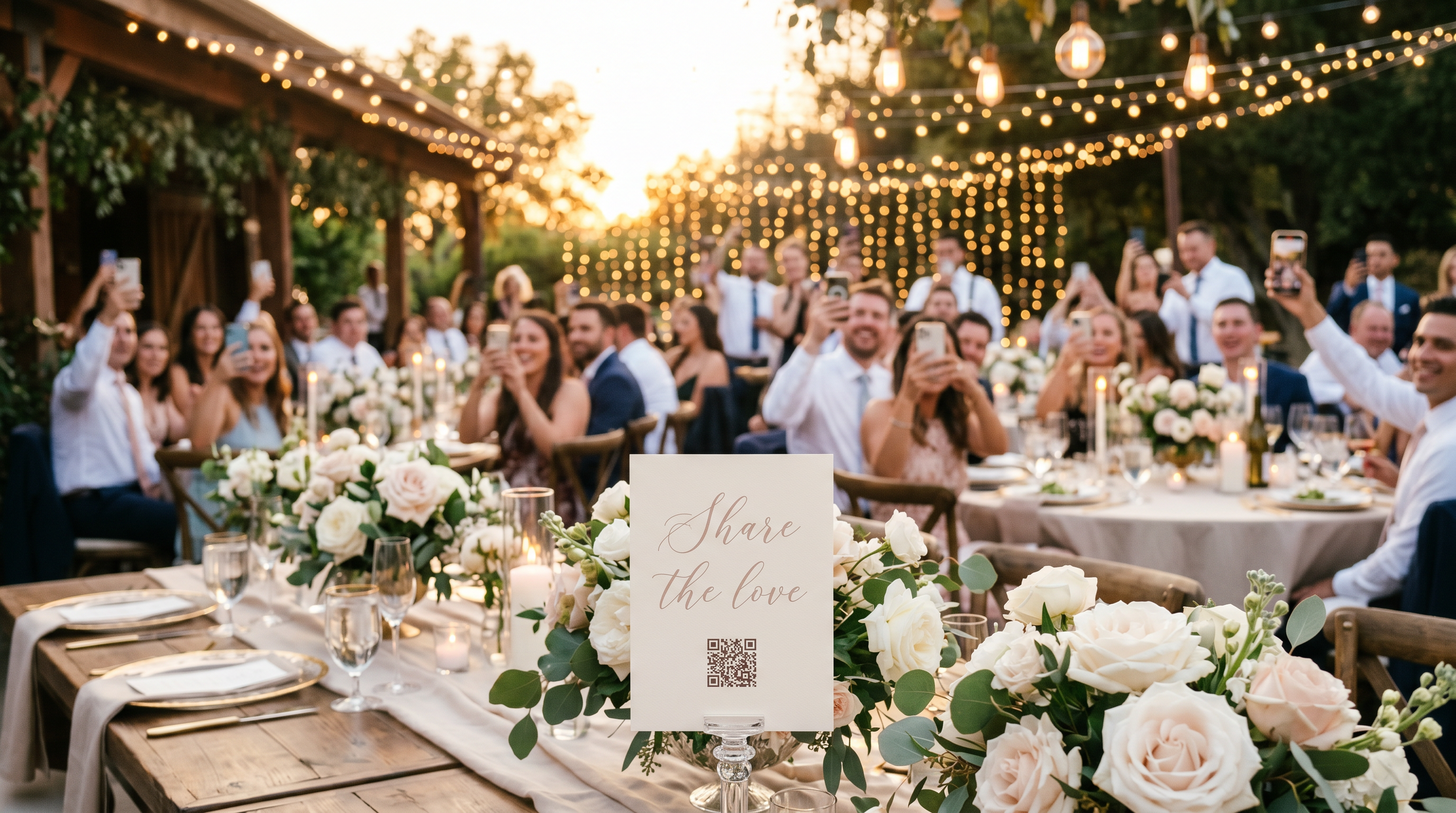
Your guests capture hundreds of candid wedding photos your photographer never sees. A QR code pulls them all into one gallery you control. Here is how to set one up in about a minute.
Your guests take hundreds of candid photos at your wedding, the real, unposed ones your photographer never sees. The hard part is getting them off everyone's phones. Group chats scatter them, shared albums ask people to sign in, and half the shots never reach you at all.
The fix is to make a QR code for wedding photos: guests scan one code, upload from their own phones, and every picture lands in one gallery you control. Here is how to set one up in about a minute, with nothing for your guests to install.
Why a QR code beats the alternatives
Group chats compress your photos and bury them in the thread.
Shared albums (Google or Apple) make guests find the right account and app before they can add a single picture, so a chunk of the group never does.
"Just email me your photos" almost never happens once the weekend is over.
A QR code works for everyone: guests scan, upload, and they are done, straight from any phone browser.
How to make a QR code for wedding photos
Create your wedding gallery. Set up your event on EventPix.photo. It takes under a minute.
Get your QR code automatically. Your wedding QR code is generated for you. There is nothing to design.
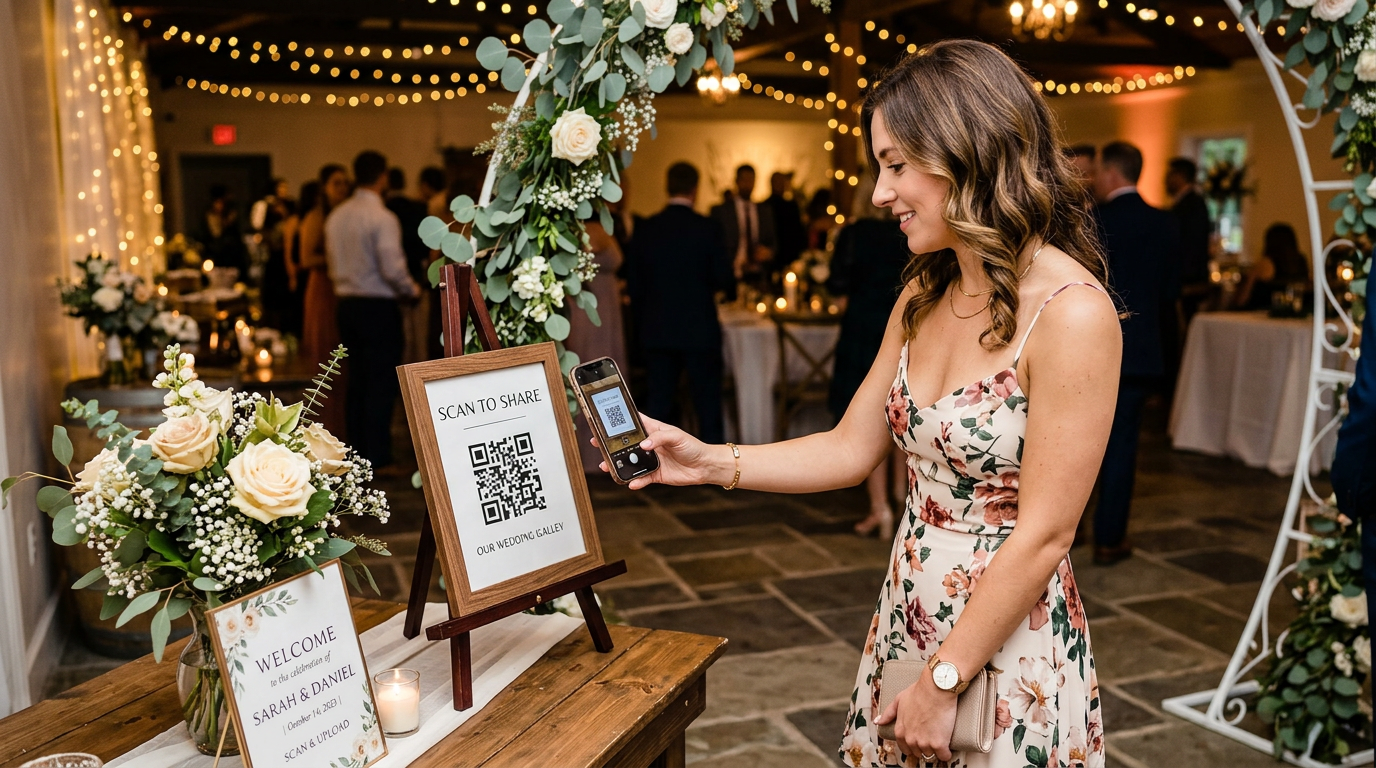
Print it or put it on a screen. Add it to table cards, signs, your program, or your wedding website. The same code works everywhere.
Guests scan and upload. They point a phone camera at the code, enter their name, and upload their photos right from the browser.
That is the whole setup. There is no app to install and no account to create, which is exactly why guests of every age actually use it.
Where to put your wedding QR code
The more places guests see it, the more photos you get:
Table cards at every reception table
Entrance and reception signs
Your ceremony program, with a short note inviting guests to share their shots
Your invitation or wedding website
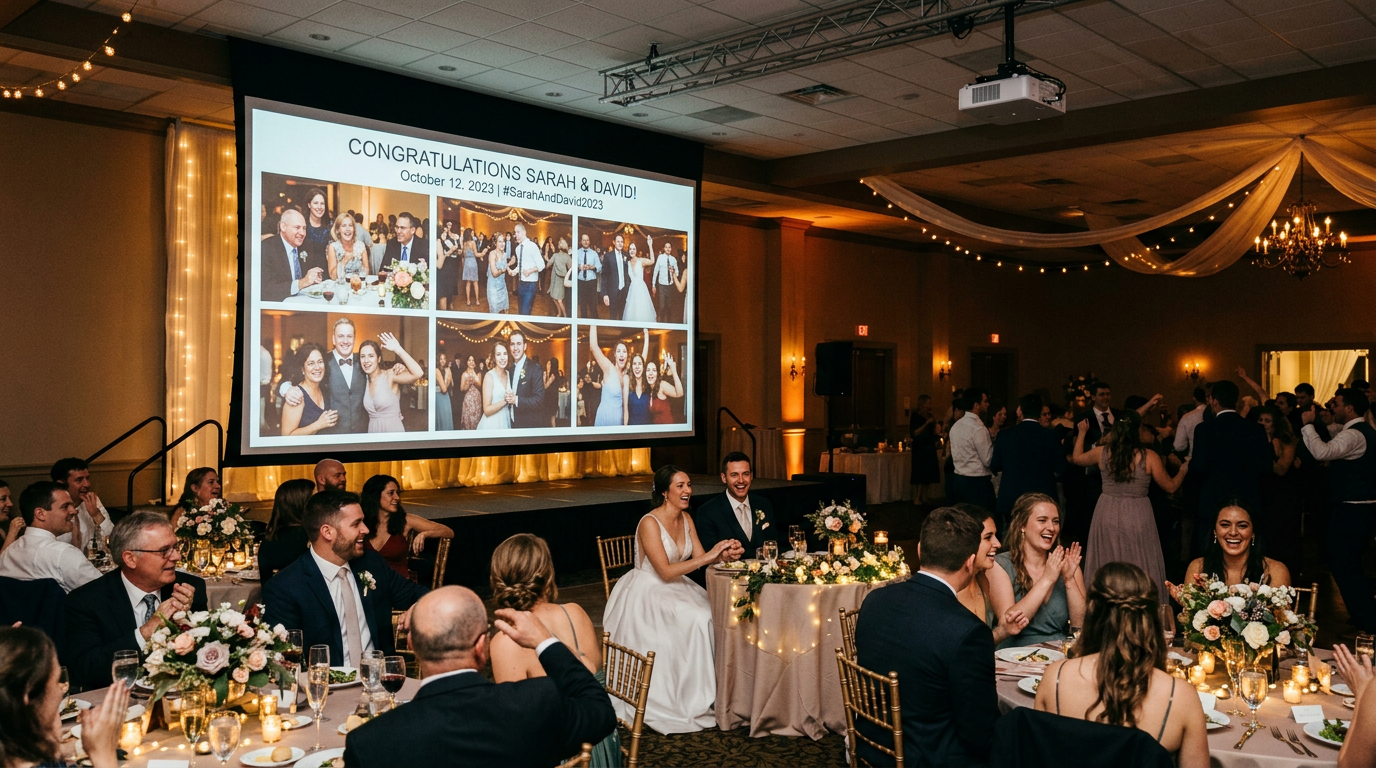
The slideshow screen during the reception
How to share the photos with guests afterward
Collecting the pictures is only half of it. After the wedding you share one gallery link, and everyone, from family to the wedding party, can browse the full collection and download their favorites at full resolution. You get clean originals with no chasing anyone down.
Make it a live moment, not just a folder
While the photos come in, you can display them on a live slideshow on any TV or projector, so guests watch their own shots appear during the reception. You can approve photos before they show, run Photo Bingo to keep guests snapping, and download everything at full resolution once the day is over. Those are the moments a plain shared folder cannot give you.
Frequently asked questions
Do wedding guests need an app?
No. Guests scan the QR code and upload from any modern phone browser on iPhone or Android, with no app and no account to create.
How do I get guests to actually upload?
Put the code where they will see it, on table cards, signs, and the program, and it takes care of itself. There is no login step to lose people along the way.
Can I keep the photos private?
Yes. Your gallery is private by default. Only people with the link can view it, and you can moderate what appears before it goes live.
When should I set up the QR code?
A week or two before the wedding is plenty. You can print your signs early and test the whole flow with your own phone so everything is ready on the day.
Ready to collect every wedding photo?
Making a wedding QR code takes about a minute, and you will end up with the photos your guests capture that no one else does.
Create your wedding QR code on EventPix.photo, a one-time purchase with no subscription.
Planning the whole day? See the wedding photo-sharing overview or how to collect photos from your guests.