
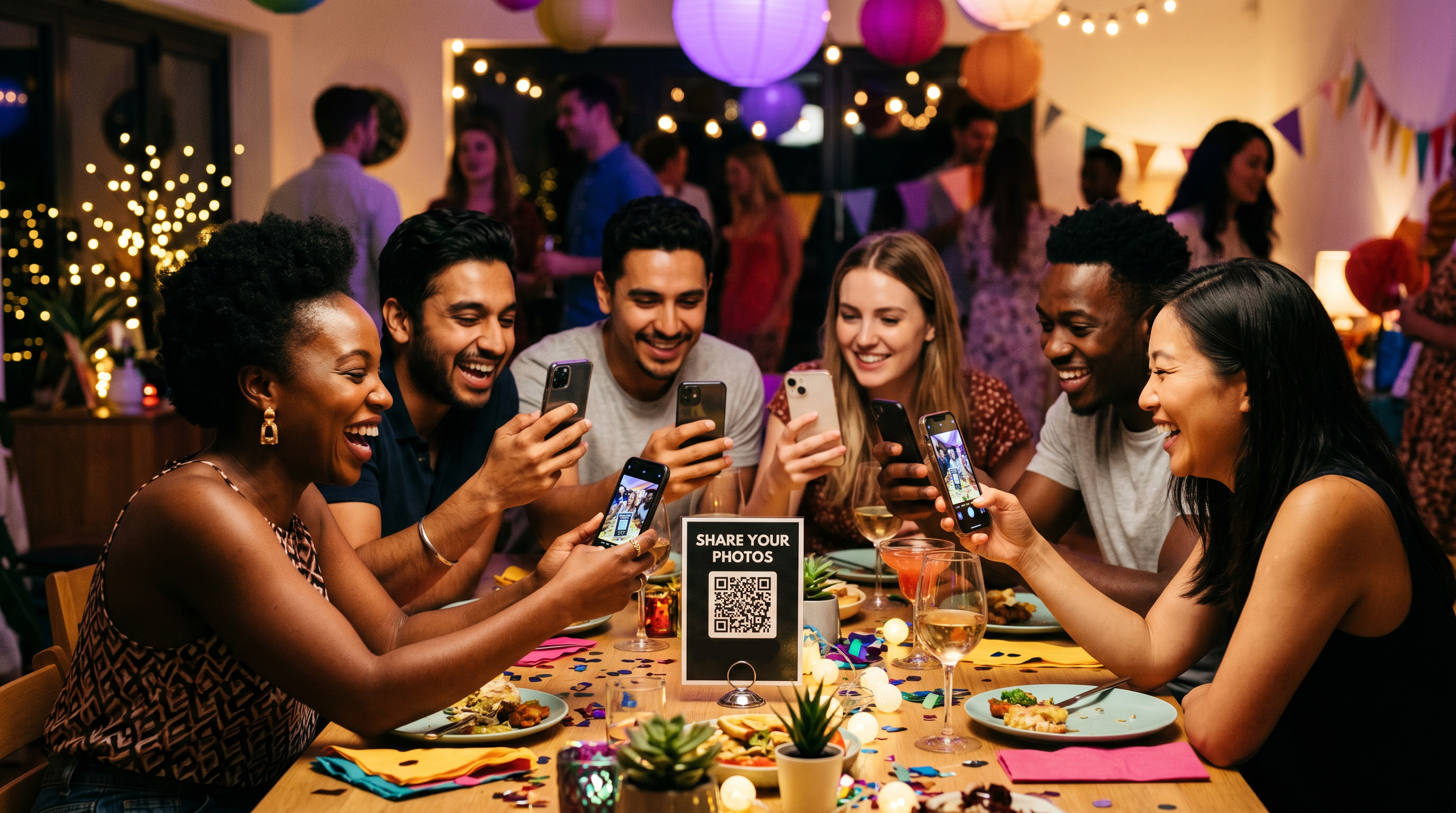
The Best Way to Collect Photos From a Group (Without Making Everyone Download an App)
Whenever a group gets together, everyone takes photos and no one ends up with all of them. Here is the simplest way to pull every picture into one shared gallery, without making anyone download an app.
Whenever a group gets together, a birthday, a reunion, a work event, everyone takes photos, and almost no one ends up with all of them. The pictures live on a dozen different phones, scattered across chats and camera rolls, and the good ones quietly disappear.
The best way to collect photos from a group solves that in one step: give everyone one QR code that drops their photos into a single shared gallery. No accounts, no chasing people afterward. Here is how it works, and why it beats the usual methods.
Why the usual methods fall short
Group chats: photos get compressed, buried in the thread, and split across everyone's separate messages.
Shared albums (Google or Apple): people need the right account and app before they can add anything, so a chunk of the group never does.
AirDrop: iPhone only, in person, and one person at a time.
"Email them to me": the effort kills it, and most people never follow through.
Each of these adds a step, and every extra step loses people. The best method removes the steps.
The best way: one QR code to a shared gallery
Create a shared gallery. Set it up on EventPix.photo in under a minute.
Share one QR code or link. Print it on a sign or card, text the link, or put it on a screen.
Everyone scans and uploads. People point a phone camera at the code, add their name, and upload straight from the browser, with nothing to install.
You get everything in one place. Every photo lands in your gallery at full resolution, ready to download.
Because there is no login step, participation is dramatically higher, which is the whole point of collecting photos from a group in the first place.
Why removing friction matters
The single biggest reason group photo collection fails is friction. Ask people to download an app or create an account and most will not bother, especially guests who are not tech inclined. A scan-and-upload flow works for everyone, from your most tech-savvy friend to your grandparents, so you actually get the whole group's photos instead of a handful.
It works for any group
Birthday parties
Family reunions and holidays
Corporate events and team offsites
Weddings and receptions
Trips and group vacations
One QR code, one shared gallery, any group.
Make it more than a folder
While the photos come in, you can show them on a live slideshow on any screen, approve what appears, and download everything at full resolution when the event is over. That turns a pile of uploads into a shared moment everyone watches together.
Frequently asked questions
What is the easiest way to collect photos from a large group?
A single QR code or link to a shared gallery. Everyone scans or taps once and uploads, so there is no per-person setup and it scales from ten people to hundreds.
Do people need an app or account?
No. Everyone uploads from any modern phone browser on iPhone or Android, with no app and no login.
Can I download all the photos at once?
Yes. After the event you can download the whole gallery in one go, at full resolution.
How does QR code photo sharing actually work?
You create a gallery, share the code, and guests upload to it by scanning. Each photo is tied to the name they enter, and you can moderate uploads before they appear. Here is a fuller look at QR code photo sharing.
Ready to collect every photo from your group?
Stop losing photos to group chats and camera rolls. Set up a shared gallery, share one code, and get everything in one place.
Collect photos from your group on EventPix.photo, a one-time purchase with no subscription.
See more ways to share photos at your event.