
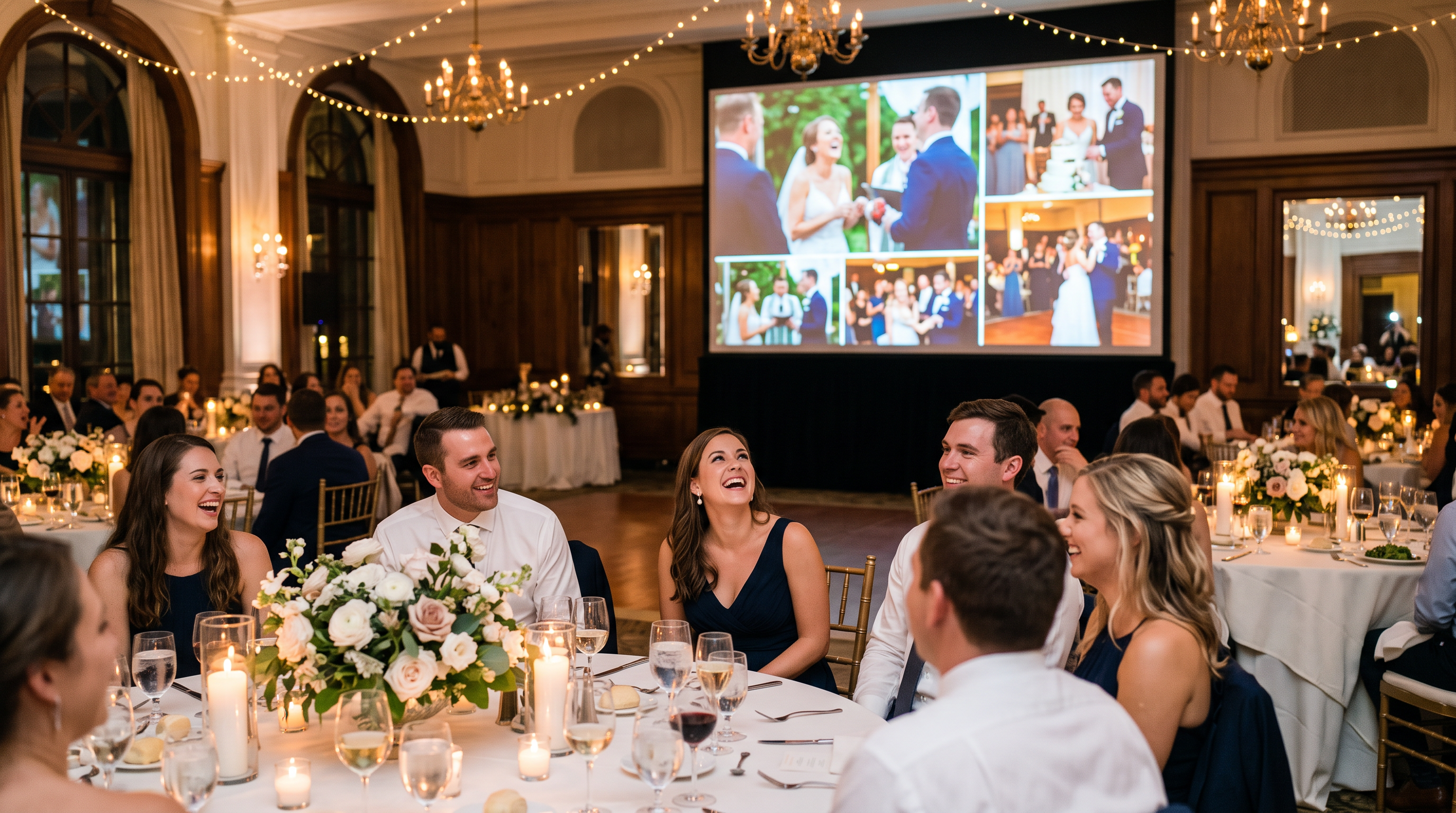
Wedding Reception Slideshow Ideas Guests Will Love
A wedding reception slideshow turns the photos your guests are taking into the centerpiece of the party. Here are seven ideas to make yours look custom, keep guests uploading all night, and give the room something to gather around.
The photographer captures the vows and the first dance. But the shot of your niece asleep under the dessert table, the groomsmen mid-laugh at the bar, your grandmother tearing up during the toast? Those live on your guests' phones, and most of them you will never see. A wedding reception slideshow fixes that. It puts the photos guests are already taking up on the big screen in real time, so the whole room gets to relive the night as it happens. Here are seven wedding reception slideshow ideas to make yours feel custom, keep guests uploading, and turn the screen into part of the party.
1. Put your photos on a live slideshow as they happen
The idea that makes all the others work: a live slideshow running on any TV, projector, or screen at your reception. Guests scan a QR code, upload straight from their phone, and their photos appear on the screen within seconds. No app to download, no account to make.
Something happens when a guest sees their own photo up on the big screen. They smile, they nudge the person next to them, and that person wants theirs up there too. The slideshow quietly turns uploading from a favor you asked for into a thing everyone wants to do. That is the difference between a handful of photos and hundreds.
2. Frame every photo with your names and the date
This is the newest idea, and the one that makes a slideshow stop looking like software and start looking like your wedding. With custom frames, every photo on the screen is wrapped in a border and background you choose, with text zones for your first names, your wedding date, or a small note like "Scan to add yours."
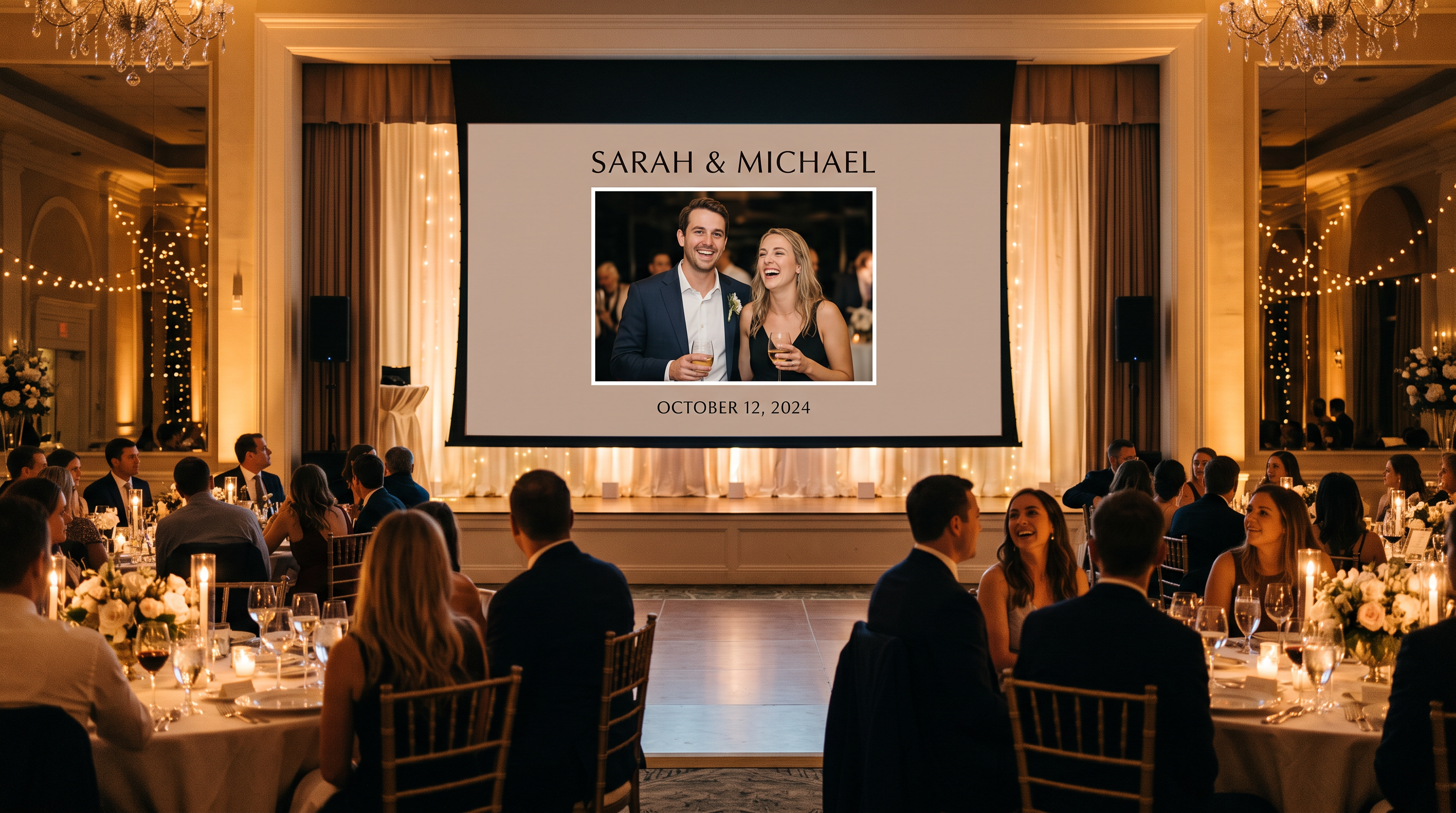
You do not design it from scratch. Start from one of three looks (Classic Serif, Modern Minimal, or Elegant Dark), change the colors and text to match your invitations, and you are done. The frame stays put as photos cycle through, so the screen reads as one cohesive piece all night instead of a plain gallery. Set it once, and if you have a rehearsal dinner or a next-day brunch, save it and reuse the same frame there too.
3. Let your milestones celebrate themselves
A reception has natural beats, and your slideshow can mark them. Celebration slides drop in automatically at moments like your first uploaded photo of the night or as the gallery fills up, so the screen cheers along with the room. If you would rather keep it purely photo-focused, you can switch them off. Either way, the screen never just sits there.
4. Give the room a soundtrack
Silence around a slideshow feels flat. Add background music and your photos play to a licensed soundtrack you pick, shuffled and looped through the night, with a mute button and volume control right on the slideshow screen for whoever is running the room. It is a small touch that makes the display feel produced rather than improvised.
5. Turn uploading into a game with Photo Bingo
If you want participation to spike, make it a game. Photo Bingo gives guests a card of shots to capture (the cake, a selfie with the couple, someone on the dance floor), and every photo they take counts toward a live leaderboard on the screen. Print a few table tents so the game is right in front of every seat.
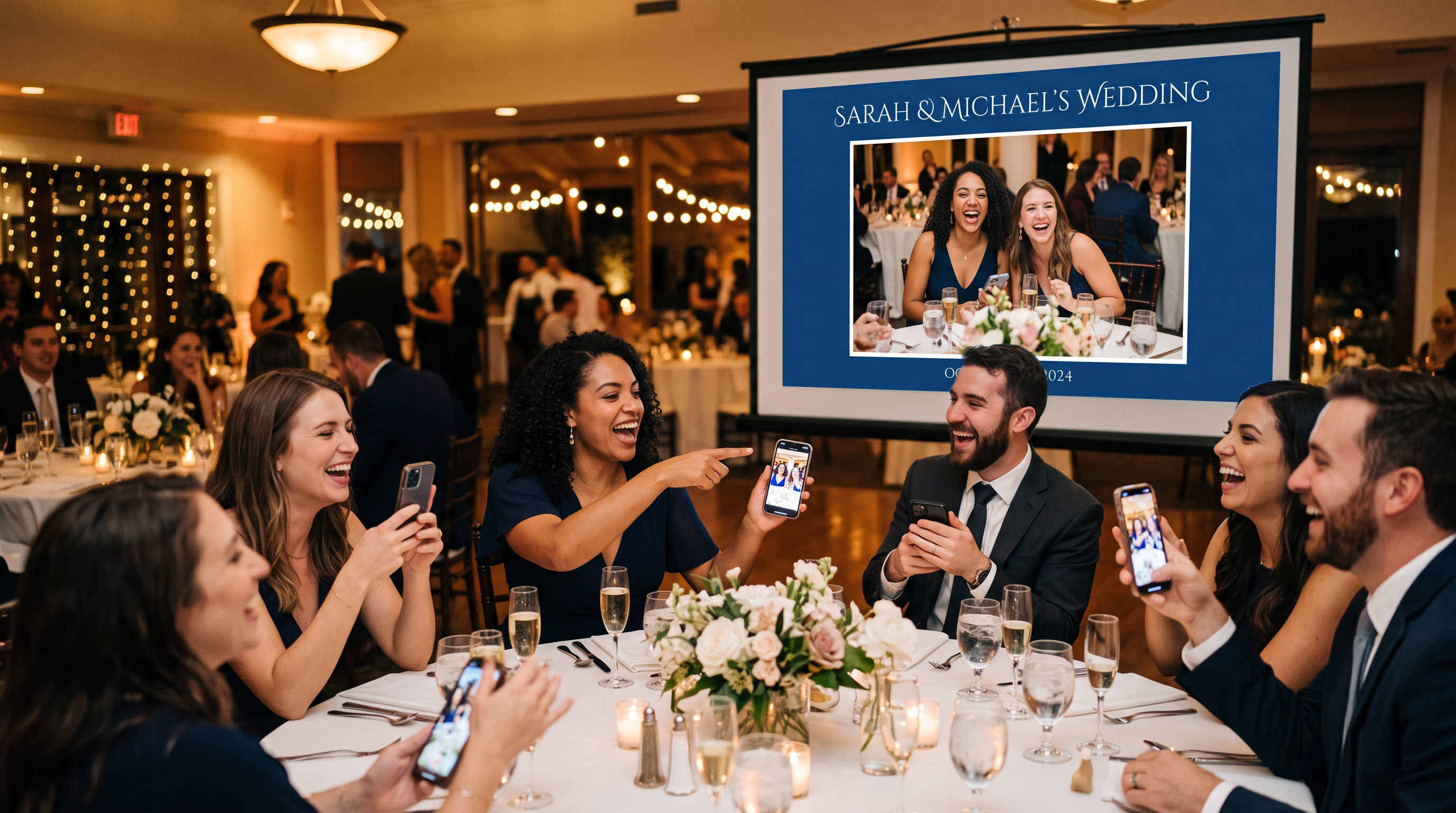
The payoff is twofold: guests have fun competing, and you end the night with far more photos than a passive sign by the guest book would ever get you.
6. Hand the screen to your DJ or a helper
You should not be babysitting a laptop at your own wedding. A no-login control page lets you share slideshow and moderation control with your DJ, planner, or a trusted friend from their own phone. They can approve photos, skip a slide, or pause the show without ever touching your account or needing a password. It is the difference between one more thing on your plate and one less.
7. Keep it classy: decide what shows
Half the worry about a public screen is what might land on it. You stay in control. Approve photos before they appear so only the ones you want show up, or turn on auto-approve if you would rather everything post instantly. When you collect photos from your guests this way, the screen stays on-brand for your day, and you keep every original to download afterward. Pair it with a digital guestbook and guests can leave a note alongside their photo.
Putting it together on the day
QR codes on every table, at the bar, and by the entrance, with one clear "Scan to add your photos" line under each.
The live slideshow running on a screen the whole room can see, with your custom frame set.
Background music on and the volume set before guests arrive.
Photo Bingo table tents out if you want to drive participation.
Your DJ or a helper set up on the control page to moderate and drive the show.
A quick test scan yourself before doors open.
Frequently Asked Questions
What do I need to run a wedding reception slideshow?
A screen and an internet connection. Open the slideshow link on any TV, projector, laptop, or tablet at your venue, and it auto-plays approved photos as guests upload them. Guests do not need anything installed. They scan a QR code on their table and upload from their phone browser.
Can I put our names and wedding date on the slideshow?
Yes. Custom frames let you wrap every photo in your own border and background with text zones for your names, the date, or a short prompt. Start from one of three presets, adjust the colors and text to match your style, and it stays consistent on screen all night. Custom frames are available on Plus and above.
How do I get guests to actually upload photos?
Visibility and a reason to join in. Put the QR code on every table, ask your MC to invite guests a couple of times across the night, and let the live slideshow do the rest. When guests see their photos appear on the big screen, participation tends to snowball. Photo Bingo pushes it further by turning uploads into a game.
Can I control what shows up on the screen?
Yes. You (or a helper you assign through the no-login control page) can approve or hide photos before they appear, so only the shots you want land on the slideshow and in the gallery. Prefer hands-off? Turn on auto-approve and every photo posts instantly.
What happens to the photos after the wedding?
They are all yours. Every approved photo stays in your gallery, and you can download the full set of originals in one go after the event, so the candid guest moments live on well past the last dance.
Make the screen part of the party
A great wedding reception slideshow does more than fill a screen. It pulls the room together, gets guests sharing the moments you would otherwise miss, and gives your reception a heartbeat everyone can see. Set up your gallery, choose your frame, and let your guests show you the night through their eyes.