
How to Collect Photos at a Birthday Party (So You Get Everyone's Pictures)
Between the cake, the games, and the candles, everyone at a birthday party is taking photos, and they end up scattered across a dozen phones. Here is how to pull them all into one shared gallery.
Between the cake, the games, and the candles, everyone at a birthday party is taking photos. Grandparents catch the quiet moments, friends grab the loud ones, and the kids get the angles nobody else does. The trouble is that all of it ends up scattered across a dozen phones, and you rarely see most of it.
The simplest way to collect photos at a birthday party is to give everyone one QR code that sends their pictures into a single shared gallery. Guests scan, upload, and you end up with every shot from every phone in one place. Here is how to set it up and get the whole room to join in.
Why photos go missing at parties
Relatives are spread out. Grandma's photos stay on Grandma's phone.
Group chats get messy. Photos come in compressed, out of order, and split across separate threads.
Shared albums ask too much. Guests have to find the right account and app before they can add anything, so many never do.
"Send them to me later" fades fast. Once the party is over, follow-through drops to almost nothing.
One shared gallery with a scannable code removes every one of those steps. If you want the full breakdown of the approach for any gathering, see the best way to collect photos from a group.
How to collect photos at a birthday party, step by step
Create a gallery for the party. Set up your event on EventPix.photo in about a minute.
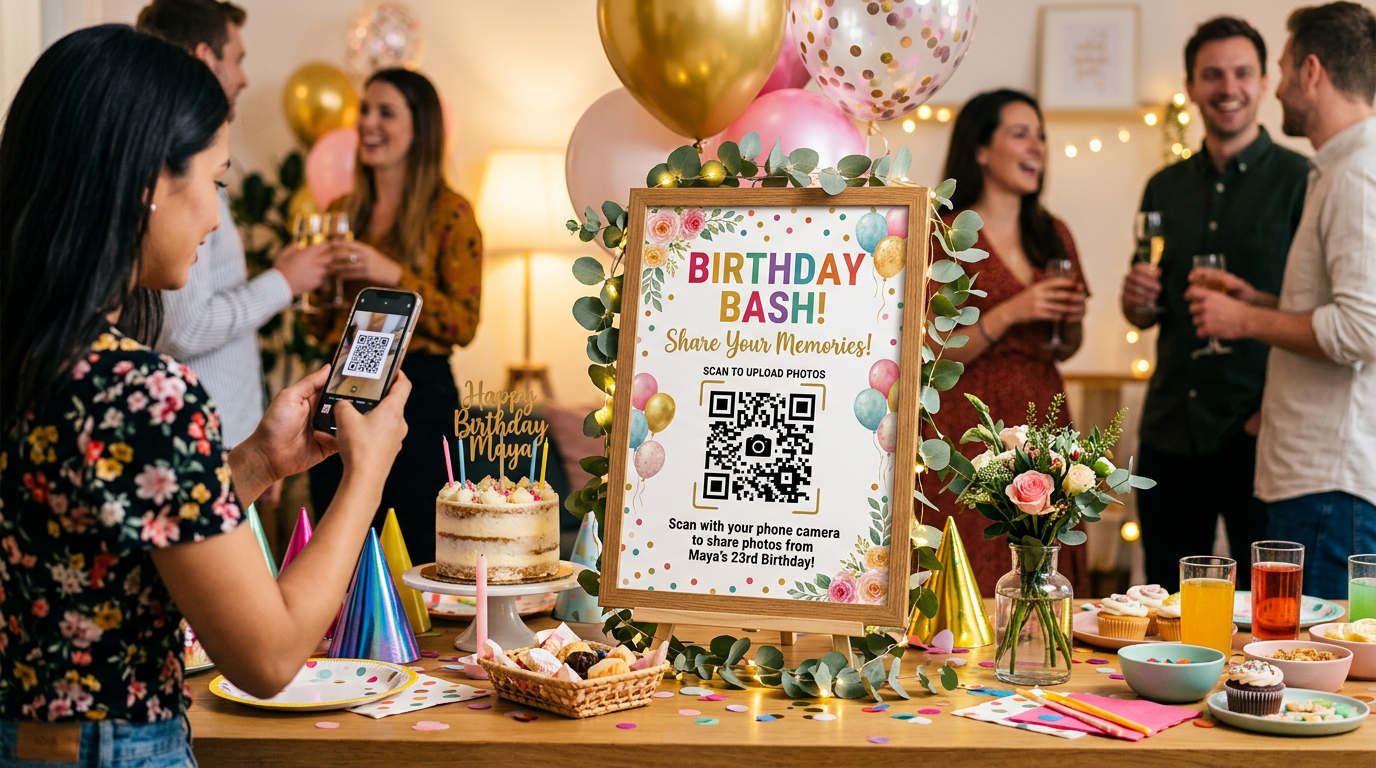
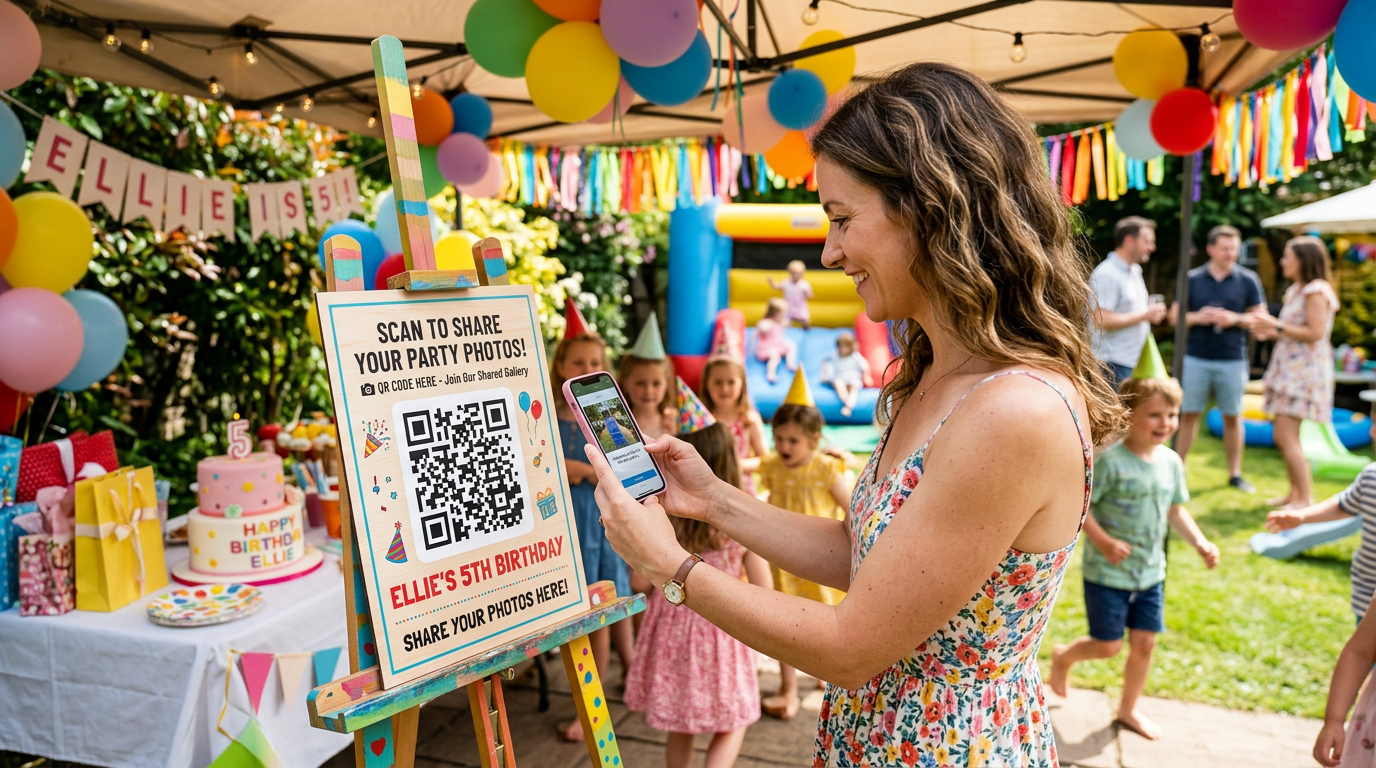
Get your QR code and put it on a sign. Drop the code onto a table card or a decorated sign that matches the party. A short line like "Scan to share your photos" is all the instruction anyone needs.
Place it where the action is. Near the cake table, the gift table, and the entrance. The more the code is in front of people, the more they upload.
Guests scan and upload. They point a phone camera at the code, add their name, and upload straight from the browser, with no app to install.
By the end of the party, every guest's photos are sitting in one gallery, ready for you to download at full resolution.
When to point people to the code
As guests arrive, so early candids get captured.
Right before the cake and candles, the moment everyone is already holding up a phone.
During games or the gift opening, when the best reactions happen.
Keep guests snapping
A birthday is a single-room event, which means you can turn the uploads into part of the fun. Show the incoming photos on a live slideshow on the living room TV so guests see their own shots appear in real time. You can run Photo Bingo to give guests playful prompts to capture, and you can approve photos before they show up on screen. Those are the touches a plain shared album cannot offer.

Kids' party or milestone birthday, it works the same
For a children's party, parents are the ones taking photos, and a single code on the snack table gets you the pictures every family captured of their own kid. For a milestone birthday, a 40th, a 60th, a surprise party, the same code gathers years of friends and family into one gallery instead of a hundred texts the next morning.
Frequently asked questions
Do party guests need an app to upload photos?
No. Guests scan the QR code and upload from any modern phone browser on iPhone or Android, with no app and no account.
What is the best QR code for birthday party photos?
One that leads to a single shared gallery you control, so every guest uploads to the same place and you can moderate and download everything afterward.
Will older relatives be able to use it?
Yes. Scanning a code and tapping upload is about as simple as it gets, which is why it works for guests of every age, from kids to grandparents.
Can I keep the party photos private?
Yes. Your gallery is private by default. Only people with the link can see it, and you decide what appears.
Ready to collect every birthday photo?
Set up a gallery, put one code on a sign, and you will end the party with everyone's pictures in a single place instead of scattered across the room.
Set up birthday photo sharing on EventPix.photo, a one-time purchase with no subscription.
Hosting something bigger? See how to collect photos from any group.