
How to Collect Full-Quality Wedding Photos from Guests
Your photographer captures the posed shots. Your guests capture everything else, and most of it never makes it home. Here's how to collect full-quality wedding photos from every guest, during the event.
Think about the last time you were at someone else's wedding.
Maybe you were seated near the dance floor when you caught a perfect, unguarded photo of the couple sharing a private laugh during the first dance. Or you happened to be standing in just the right spot when the flower girl did something hilarious in the aisle. You took the photo. It looked great on your phone. And then you went home, got busy, and never sent it.
That's the fate of most wedding guest photos. If you want to collect full-quality wedding photos from your guests, the hard part isn't taking them, it's getting them off everyone's phones before they scatter and disappear. Here's how to make that happen without turning yourself into the wedding's photo coordinator.
Your Photographer Can't Be at Every Table
Hired photographers are talented, but they're one person covering a venue full of people. During the reception, they're often focused on the head table, the cake cutting, the speeches, the couple's movements. They can't be in ten places at once.
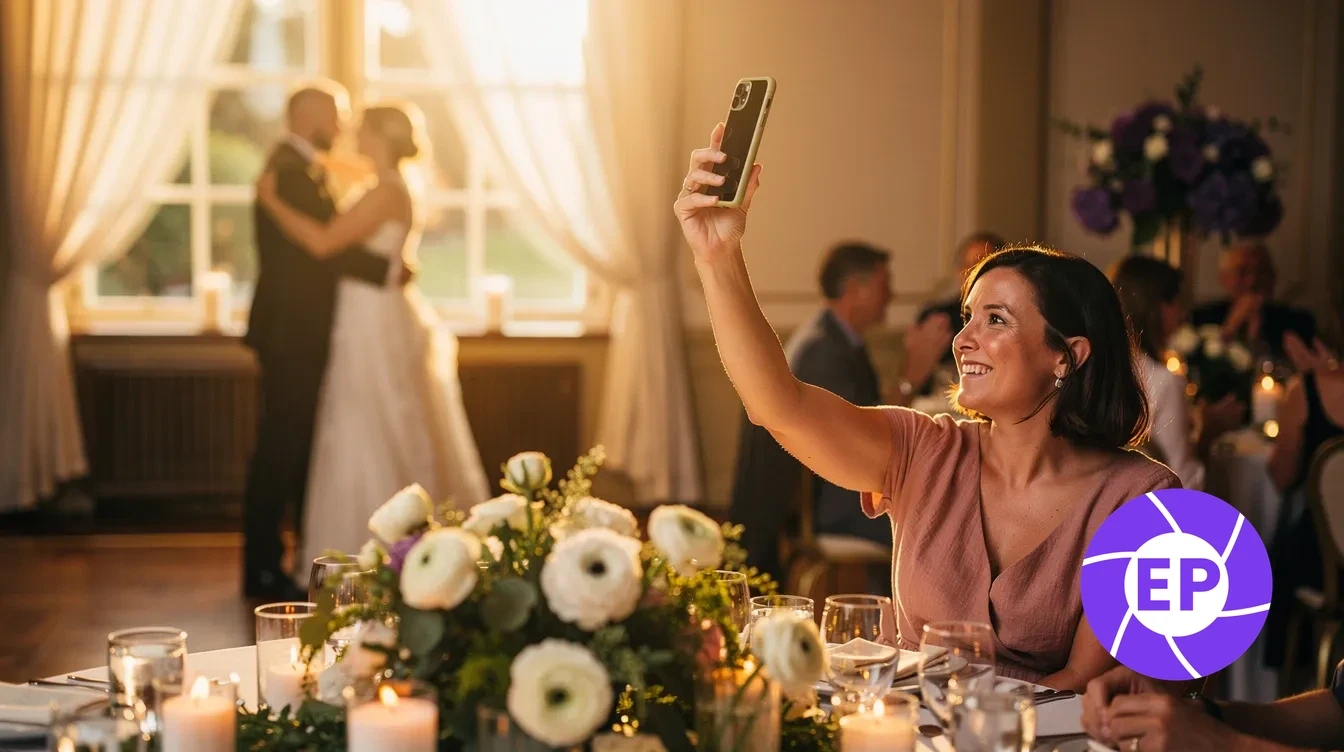
Meanwhile, your guests are spread across the entire room. They're next to your college roommates when the toast makes everyone cry. They're watching your niece attempt her first slow dance. They're at the bar when your grandparents share a quiet moment that didn't make it into any official photo.
These candid photos show your wedding from thirty different angles at once. The question isn't whether guests are capturing those moments. On a wedding day, almost everyone is. The question is whether you'll ever actually have them.
Why Most of Those Photos Never Reach You
The natural plan is to ask guests to text the photos afterward. But at the end of a long wedding night, people are exhausted, catching rides, and saying their goodbyes. Texting the couple twenty photos before bed isn't on their mind. They mean to do it tomorrow. Tomorrow becomes next week. A few people follow through. Most genuinely forget.
Group chats have the same problem: no structure, no central place, nothing prompting guests to share in the moment. What gets captured stays scattered across texts, AirDrop threads, and camera rolls that may never get cleared out. You end up with a narrow slice of what was actually taken, and a long list of people who fully intended to share more.
There's a quality catch too. When guests do text their photos, the messaging app compresses the files first, so what you receive is a smaller, lower-resolution copy than their camera captured. It's invisible on a phone but shows up on prints and big screens. We explain exactly why in does texting compress photos. For a wedding, the takeaway is simple: collect the originals during the event, not compressed copies afterward.
Set Up One Wedding QR Code Before the Day
The fix is to give guests one place to drop their photos, set up before the wedding so there's nothing to coordinate on the day. With EventPix.photo, you create your gallery in a couple of minutes and share a wedding QR code where guests will naturally see it:
Printed on table cards or tent cards at each place setting
On a welcome sign at the entrance
On the back of the ceremony program or the menu
On a slide in the reception display between toasts
When a guest scans it, their phone browser opens straight to the upload page. No app to download. No account to create. They pick their photos and upload, and everything lands in one gallery, at full resolution, exactly as their camera captured it. You can review and approve each photo before it appears anywhere, so you stay in control without touching your phone all night.
The Slideshow That Keeps Guests Sharing
Couples often mention a side effect of EventPix.photo: the live slideshow shifts the energy in the room. As guests upload, their photos appear on the reception screen in real time, and other guests can add emoji reactions and scrolling comments over the display.
When someone sees their photo pop up on the big screen thirty seconds after they took it, they want to capture more. That real-time social energy drives more participation through the night, not because anyone is prompted, but because it's genuinely fun to see your moments celebrated as they happen. Your photographer gets the portraits. Your guests, sharing and reacting together, fill in everything else.
What You'll Have the Morning After
When your guests scan the QR code and upload during the reception, those original files land in one organized gallery, with no chasing, no compression, and no scattered threads across three different apps. After the wedding, you download the full collection as original-quality files, ready to send to an album designer, a photo book service, or a picture framer.
The candid shots from angles your photographer couldn't cover. Your grandmother's expression. The moment on the dance floor that nobody choreographed. Original quality, collected in one place, right when it happened.
Create your wedding gallery and start collecting full-quality guest photos →
Frequently Asked Questions
Will guests actually scan the QR code and upload photos?
Most guests are already taking photos at the wedding, and EventPix.photo just gives them a quick, built-in way to share. Scanning a QR code and uploading through a phone browser takes about thirty seconds, and because there's no app download or account required, there's very little friction. The live slideshow tends to make participation more appealing once the first few photos appear on screen.
How is this different from a shared Google Photos or iCloud album?
Shared cloud albums usually require guests to have an account and either sign in or install an app, steps that exclude a chunk of any guest list before they ever contribute. EventPix.photo works entirely through any phone browser with no account, no login, and no install, so older guests, Android users at iPhone-heavy weddings, and less tech-savvy family members can all take part without extra steps.
Can I control which photos appear in the gallery and on the slideshow?
Yes. By default, every submitted photo waits for your review before it appears anywhere. You approve or reject each one from your own phone, so nothing goes live without your say. If you'd prefer a hands-off setup, there's also an auto-approve option.
When can I download my wedding photos, and what quality do I get?
You can download the full gallery at any time, during the event or after it ends. The download delivers original-quality files, not resized copies, ready for printing, photo books, or long-term storage.