
How to Set Up QR Code Photo Sharing for Your Event (Step-by-Step)
Collect every photo your guests take with a simple QR code. No apps, no signups, just instant photo sharing and a live gallery for any event.
One QR Code, Every Guest Photo You'd Otherwise Never See
Here's the thing about events: the best photos are almost never on your phone. They're on everyone else's.
The bride never sees the shot of grandma tearing up during the toast. The birthday host misses the kids sneaking cake before dinner. Everyone goes home, life moves on, and those photos slowly disappear into 80 different camera rolls.
EventPix.photo fixes this with one simple QR code. Guests scan, upload, and that's it. No app, no account, no "I'll text them to you later" that never happens.
What This Actually Looks Like
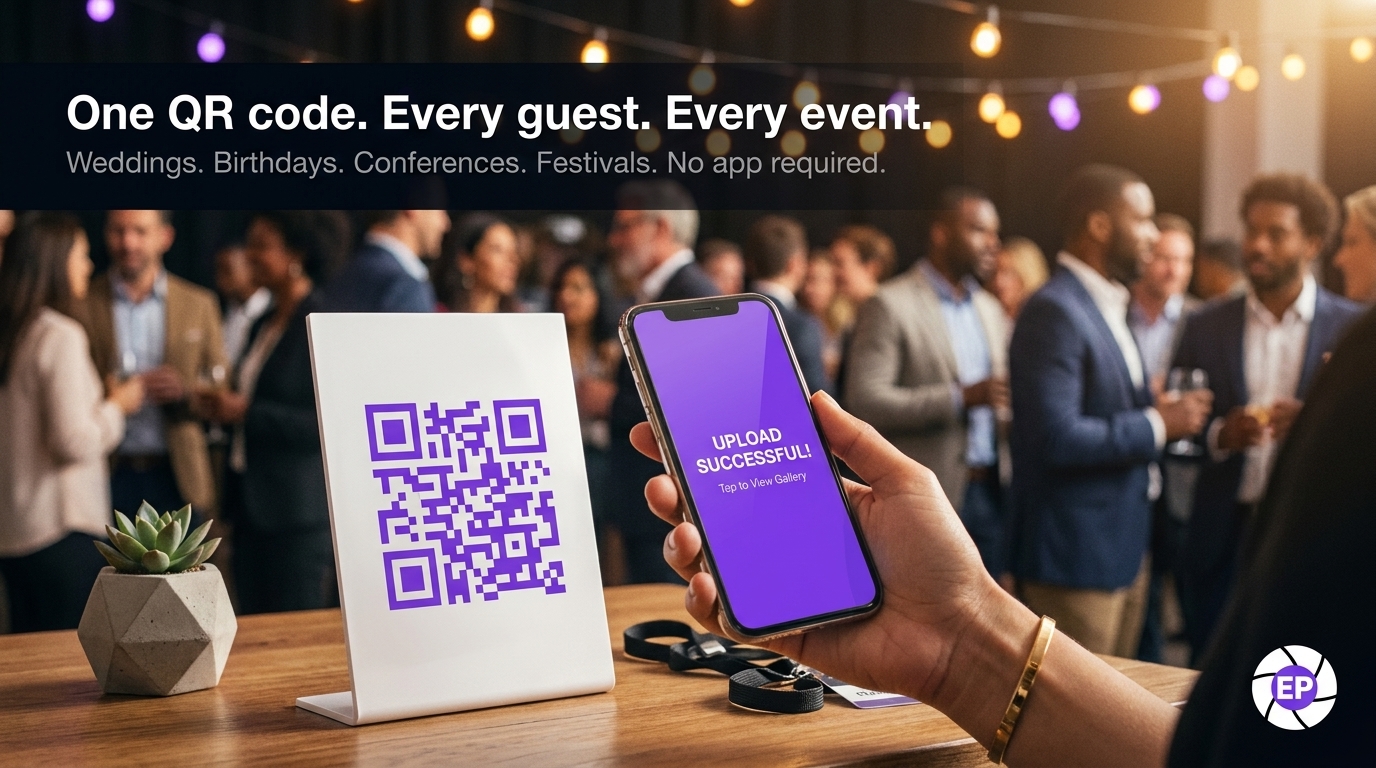
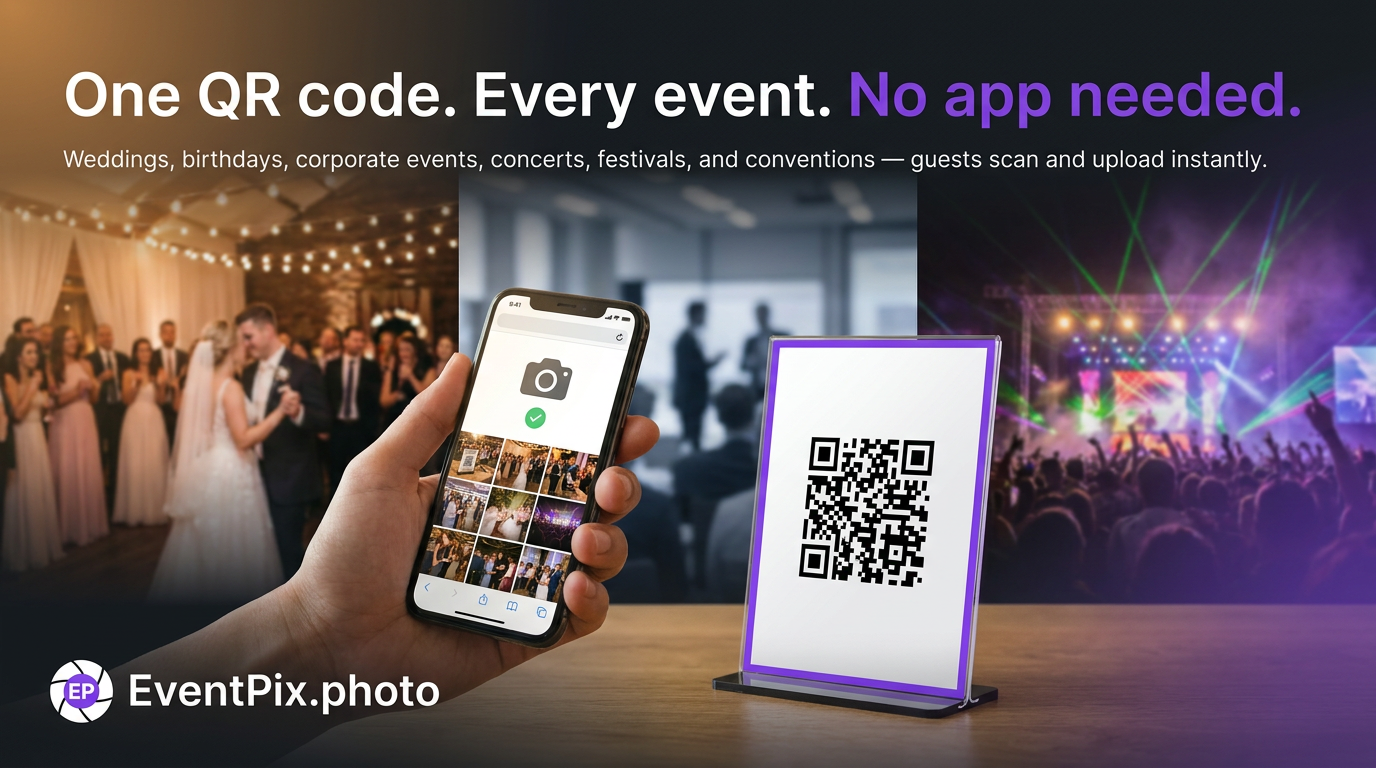
Print the QR code on table cards, stick it behind the bar, or put it on a screen near the dance floor. Guests do what they're already doing — pull out their phone, open the camera, scan — and they're in the gallery in seconds.
I set up a wedding recently that ended the night with 127 photos in the gallery. Maybe 20 of those would have made it back to the couple otherwise. The rest were the real moments: the flower girl passed out in a chair, two uncles arguing at the bar, the dog rocking a bowtie. The good stuff you actually want to remember.
Just want the short version? See how QR code photo sharing works and what's included — this guide walks through the setup step by step.
Why Guests Actually Upload
Most shared album tools fail before they even start. They ask for an app download, a Google login, or some six-character case-sensitive code. By the third tap, most guests give up and go back to their drink.
EventPix works because it removes all that friction. One scan. That's the whole reason it works — not because the gallery UI is clever or the slideshow looks great (though both are), but because there's nothing in the way between "I took a photo" and "it's in the album."
How It Works
1. Make your event. Takes about 90 seconds. Name it, pick a date, generate the QR. You can customize it if you want, but you don't have to.
2. Get the code in front of people. Table cards, signage, wedding website, group chat, TV screen — repetition matters. One tiny sign at the entrance doesn't cut it.
3. The gallery fills itself. Photos appear as guests take them. Turn on the live slideshow and you'll see something surprising: people start uploading more just to see their photo pop up on the big screen.
What Kind of Events This Works For
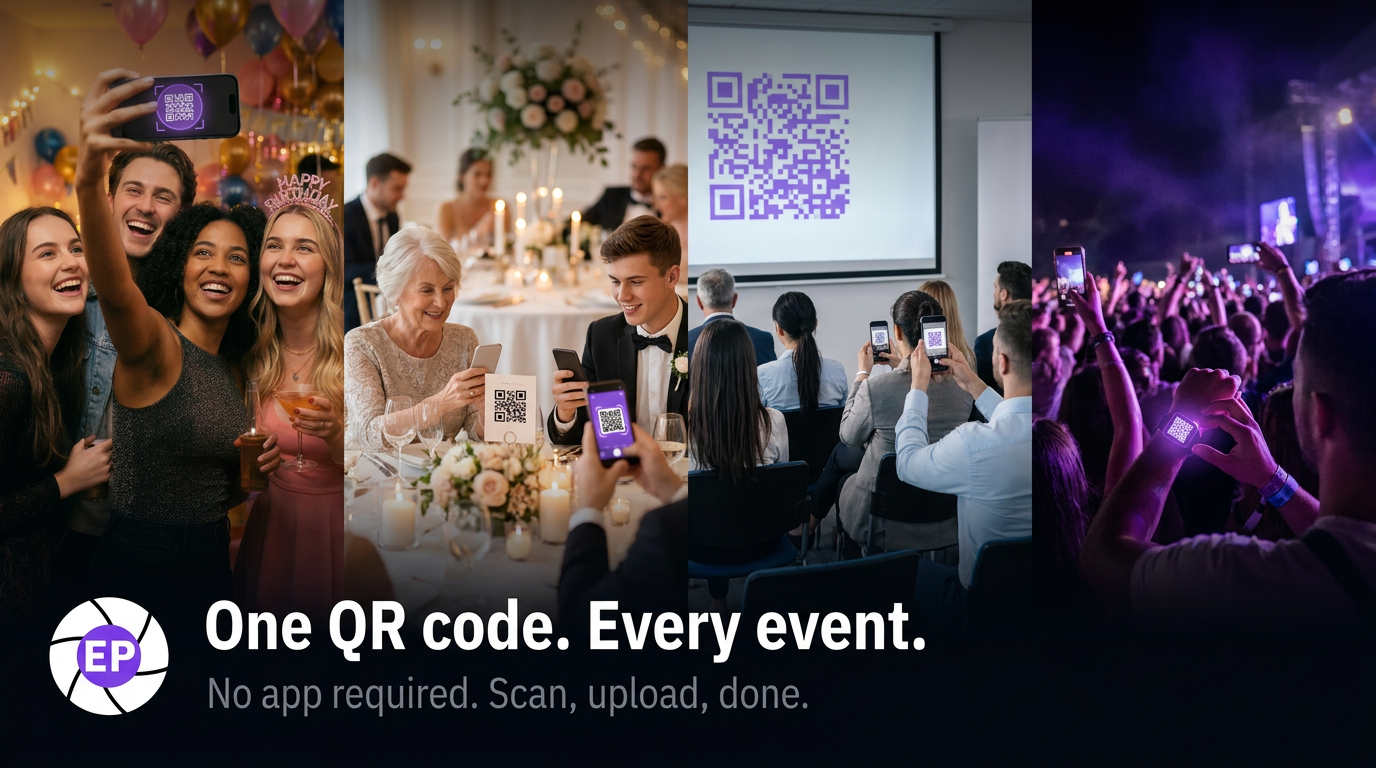
Weddings are the sweet spot — first dance, toasts, the late-night chaos after the formal photography ends. All of that lives on guest phones and would otherwise stay there.
Milestone birthdays are the other big one. 30th, 50th, 80th — the kind where extended family flies in and there's no professional photographer, just a lot of people with phones and a few hours together.
Corporate events and conferences are a different vibe — fewer candids, more "marketing needs assets from the product launch" or "we want to remember this offsite." Same problem, same solution. Attendees scan, upload, done.
And then anything bigger and messier: festivals, fundraisers, family reunions. When you genuinely can't be everywhere and the photos you'd want are scattered across hundreds of phones.
The Stuff That Actually Matters
The live slideshow is optional but addictive. Plug a TV into a laptop, point it at your gallery URL, and watch participation roughly double. People want to see their photo on the wall.
Moderation lets you approve photos before they go live. Most weddings don't need it (your aunt isn't uploading anything wild), but for bigger or more public events, it's there.
When it's over, you can download everything in full resolution or send guests a permanent link to revisit the gallery later.
Common Questions
Will guests actually use it? Yes — if they see the QR code. Put it everywhere and you'll be surprised how many participate. One small sign usually doesn't work. Multiple touchpoints do.
Do guests need an account? Nope. Scan and upload. They can add their name if they want, but it's not required.
What about privacy? The gallery is private by default. Only people with the link or QR can access it.
Can I set this up last minute? Absolutely. You can create an event and generate the QR in under five minutes. The only reason to plan further ahead is to get it printed onto physical signage.
The Photos You'll Never Get Otherwise
That's the whole setup: one album, one QR code, one shared gallery. See the full feature list and pricing on the QR code photo sharing page, or create your album — plans are one-time from $19, no subscription.